20 PowerScan
®
Scanner
RS-232 Interface/WN-RS-232 (SNI) Interface
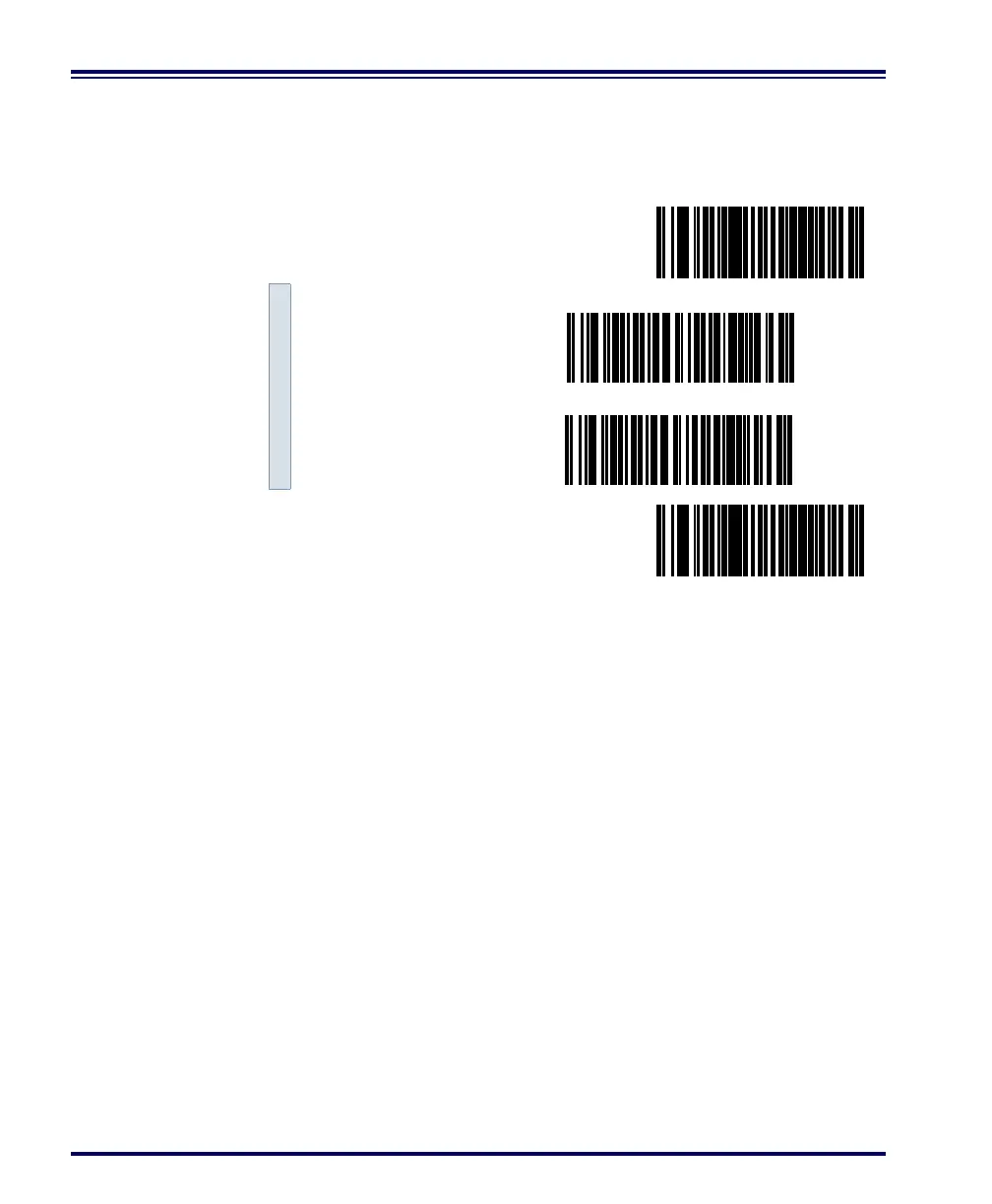
Scan these labels to enable either the standard RS-232 interface
(PSC RS-232) or the WN-RS-232 (SNI) Interface.
RS-232 Communication Parameters
This section contains the following RS-232 communication parameters
in the order listed:
• Baud Rate
• Data Format Settings
- Data Bit
- Parity Bit
- Stop Bit(s)
• Handshaking
- Hardware Handshaking (CTS/RTS)
- Software Handshaking (Xon/Xoff)
• ACK/NAK Options
• Intercharacter Delay
Go to the sections titled Symbology Selection starting on page 65 and
General Features on page 132 if you want to change any other settings
for this interface.
SET -------------------------------------------
Enable Standard
RS-232 ---------
Enable WN-RS-232 ---------
END ------------------------------------------



 To Next Page