110 PowerScan
®
Scanner
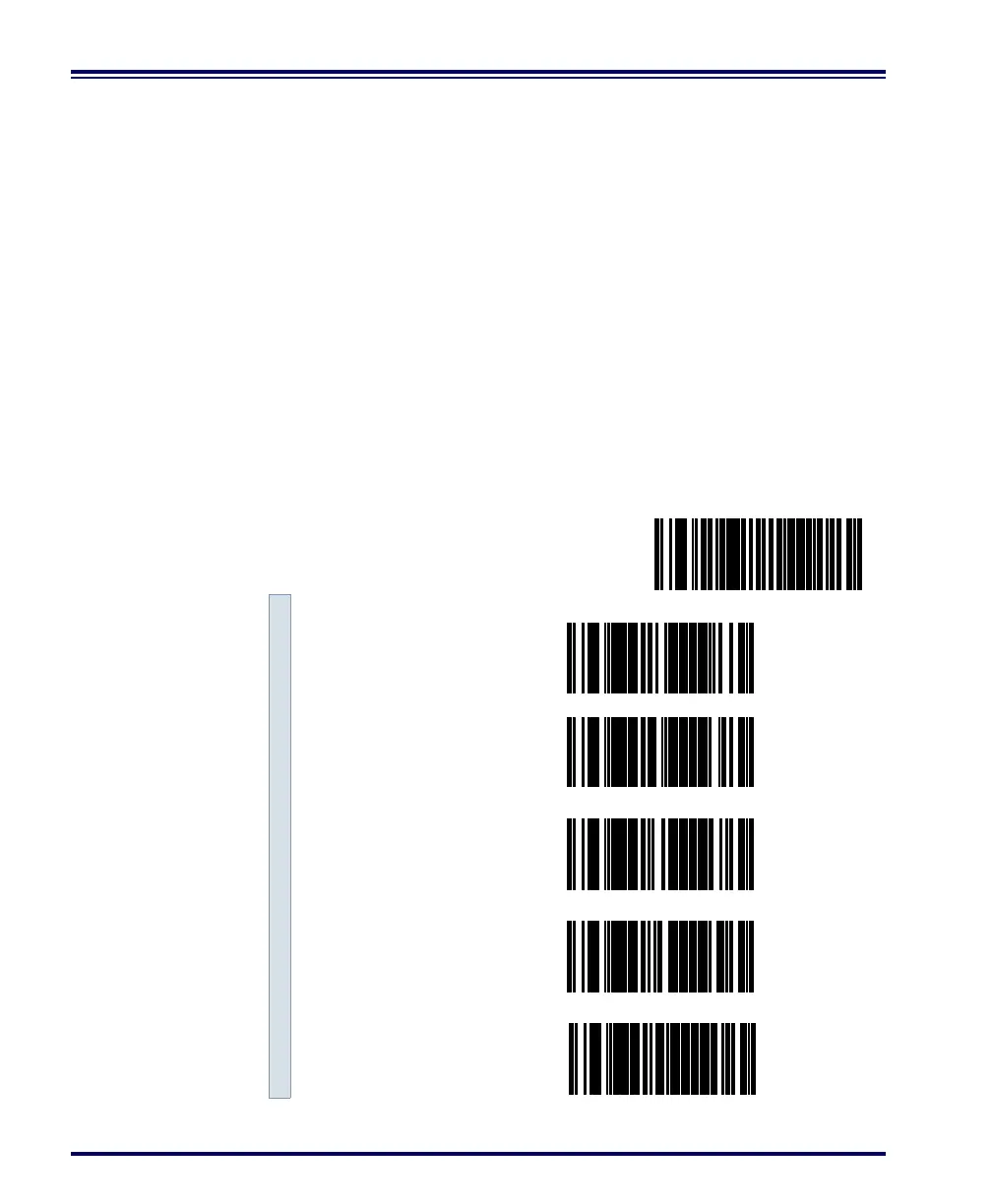
Read Verification Follow the steps below to set the number of minimum reads required
to verify UPC/EAN symbologies.
To set the minimum read requirement for a desired symbology:
1. Scan the SET bar code.
2. Scan one symbology label from the list below to be
verified.
3. Scan the bar code on page 111 that represents the number of
times you wish a bar codes label of that symbology type to be
read before transmission to the host from the list.
4. Repeat steps two through three above until read verification
has been modified for each of the the desired symbologies.
5. Scan the END bar code on page 111.
Read Verification
SET --------------------------------------
Verify UPC-A ---------
Verify UPC-E ---------
Verify EAN-13 ---------
Verify EAN-8 ---------
Verify Instore Label ---------



 To Next Page