56 PowerScan
®
Scanner
• None (no Label I.D.), (e.g., prefix, label data, suffix)
• Prefix (before), (e.g., prefix, label I.D., label data,
suffix)
• Suffix (after) , (e.g., prefix, label data, label I.D., suffix).
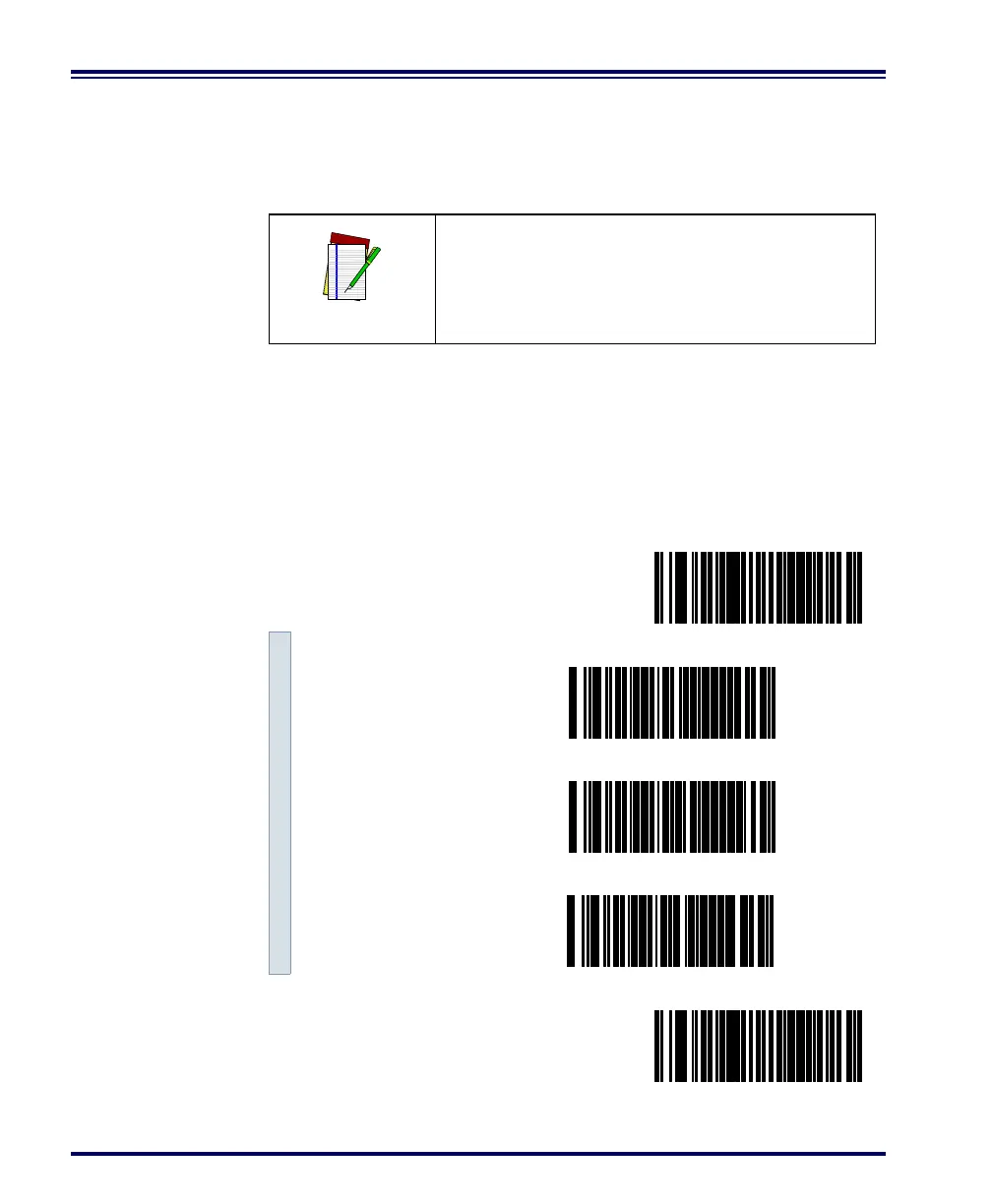
1. Scan the SET bar code.
2. Scan the bar code for the desired position.
3. Scan the END bar code.
NOTE
Your selection (prefix, suffix, or none) will
apply universally to all symbologies and can-
not be individually selected for each.
Setting Label I.D. Location
SET -------------------------------------------
Label I.D. = None ---------
Position Label I.D. as
Prefix ---------
Position Label I.D. as
Suffix ---------
END ------------------------------------------



 To Next Page