DRS4 Evaluation Board User’s Manual
Page 11 of 43
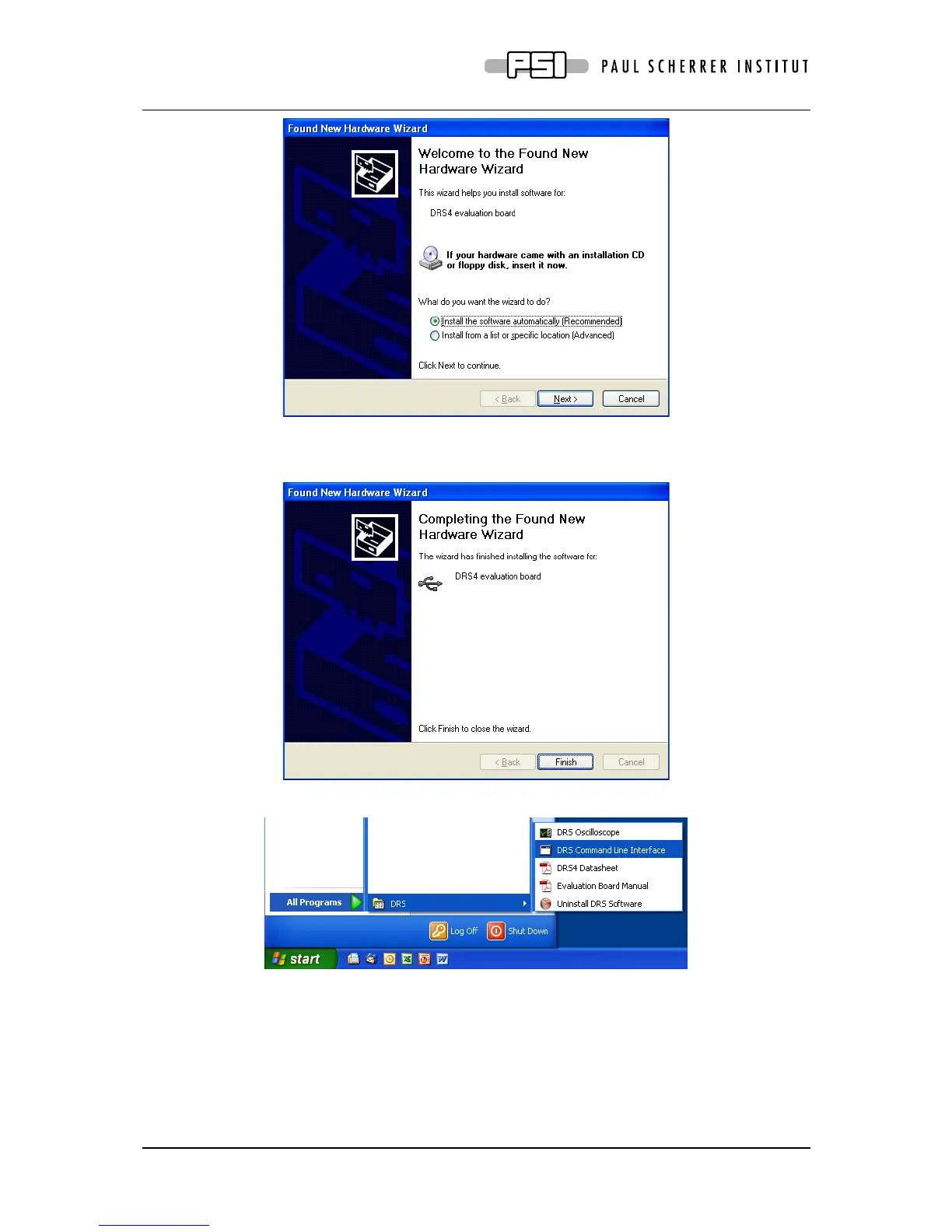
Where you can click “Install the software automatically” and then click “Next”.
After successful installation of the driver, you will see the following window:
And a new group in your Start Menu:
The software comes with two applications, a command line interface and an oscilloscope.
These applications are explained in section 0.



 To Next Page