All registers are implemented as 32-bit registers, so they can be mapped easily into some
VME address space for example if one decides to build a VME board containing the DRS4.
2. Installation
2.1. Windows XP
Under MS Windows
®
it is important to install the necessary driver before connection the
DRS4 Evaluation Board with the PC. The current distribution can be downloaded from
http://www.psi.ch/drs/download . The Windows version contains a single program drs-
xx.exe (where xx is the version) which can be executed to install the driver, applications,
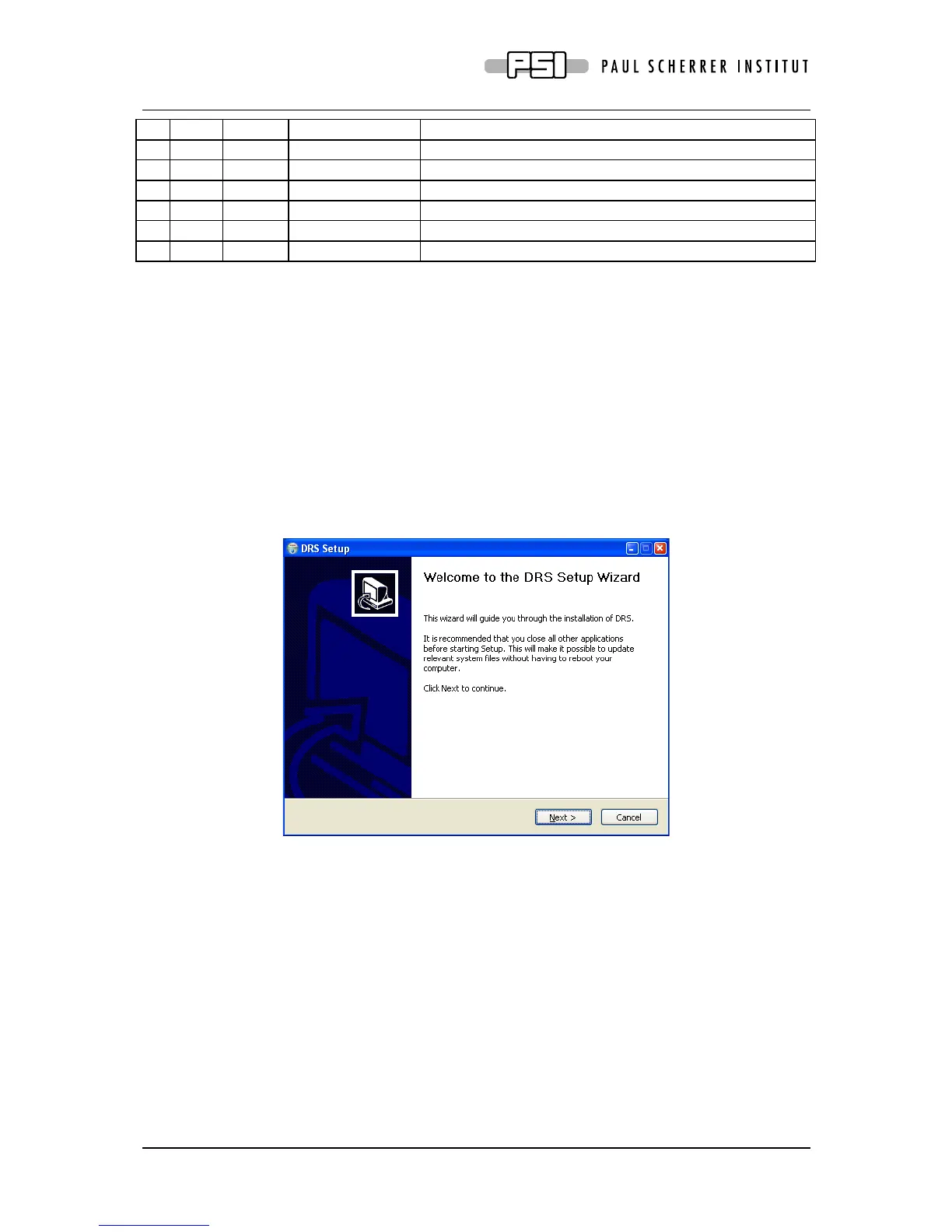
documentation and source code. Executing this file starts the installer:
You can select which components to be installed:



 To Next Page