DRS4 Evaluation Board User’s Manual
Page 17 of 43
3. Running the Board
3.1. Command line Interface “drscl”
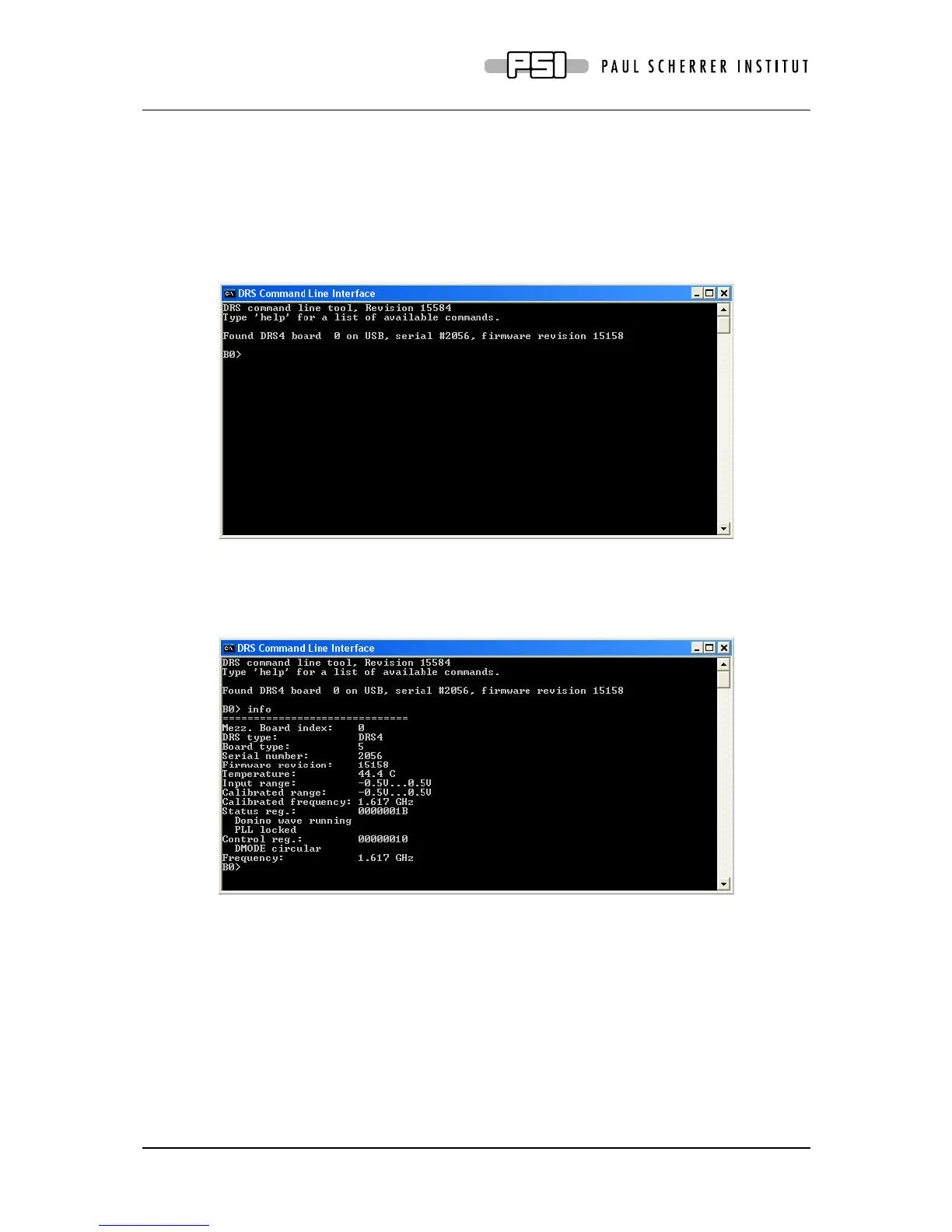
Clicking on „DRS Command Line Interface“ (Windows) or entering “drscl” (Linux) will start
a simple application which connects to the DRS4 Evaluation Board. If it finds the board, it
displays the board serial number and the firmware revision as on the following screen shot:
Now you are ready to issue your first command “info” which shows some more information,
like the current board temperature. The temperature sensor is on the bottom side just below
the DRS4 chip. If you keep issuing “info” commands and touch that sensor with your finger,
you should see the temperature increase.



 To Next Page