PQube User Manual 2.1
Page 82 of 113
Record_Neutral_Current=ON
Record_Earth_Current=ON
Peak_Demand_Interval_In_Minutes=15
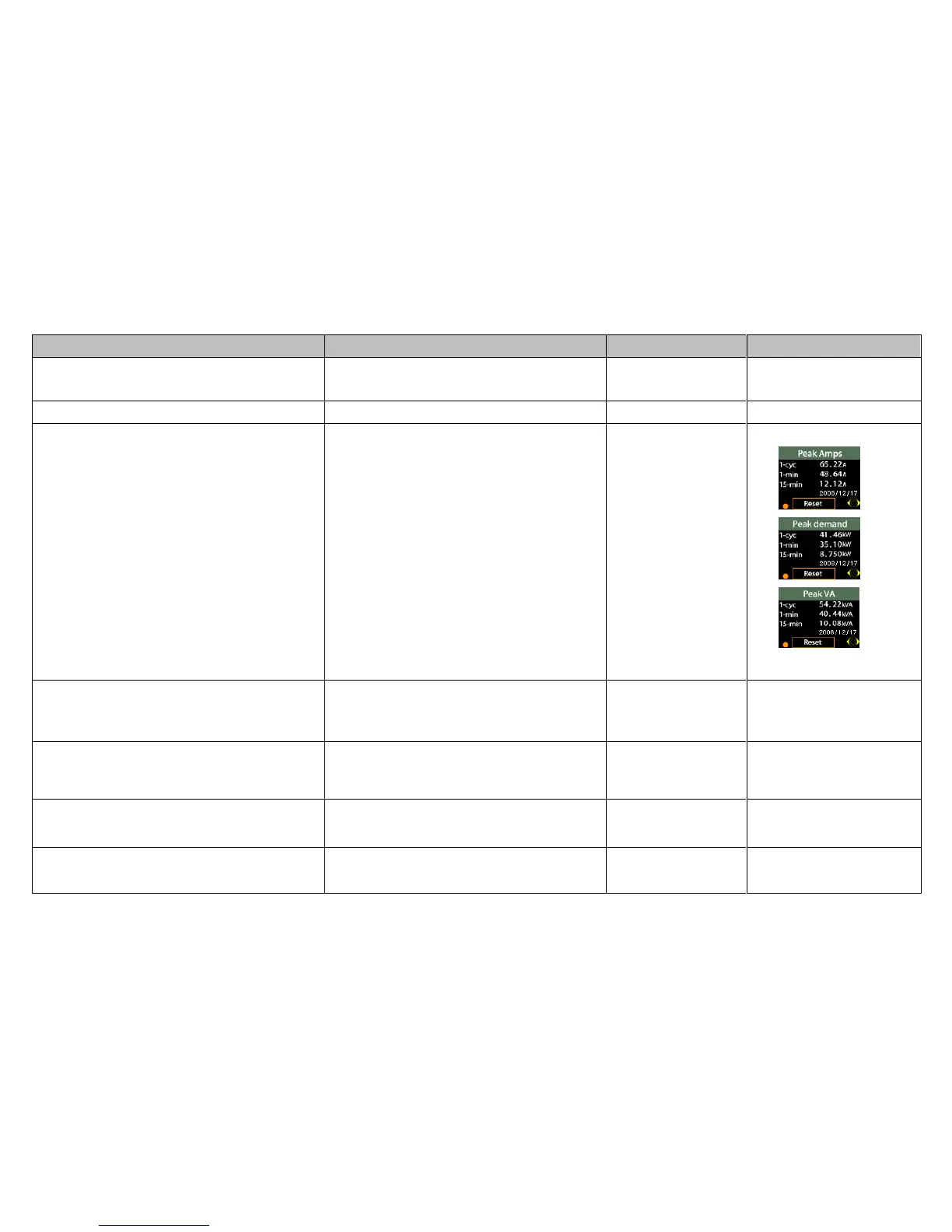
There are three Peak Measurement screens in
your PQube:
Peak Amps
Peak Demand
Peak VA
For each screen, three measurement intervals
are provided:
1-cycle
1-minute
15-minute
The 15-minute interval is user configurable using
this tag.
Budeanu VARs are calculated every cycle, while
Fundamental VARs are calculated on a 10/12
cycle basis, non-gapless. Fundamental VARs can
be positive or negative.
TDD_Available_Current_In_Amps=AUTO
Set the supply current level for TDD calculation.
Enable_10_Second_Frequency=OFF
By default, frequency is updated every 1 second.
Set this tag to ON to record frequency according
to the IEC 61000-4-30 standard.
Unbalance_Calculation_Method=IEC
The ANSI unbalance method considers only three-
phase RMS magnitudes (not angles). It includes both
fundamental and harmonic voltages and currents.



 To Next Page