Programmable Control Panel
PTN Electronics Limited 7 www.PTN-electronics.com
5.3.1 Main Menu
The main menu includes file management, system model, connection type and help.
1) File management: Open/Save/Save as a configuration. After program, user can
save the configuration to a file, so that you can use the same configuration next
time.
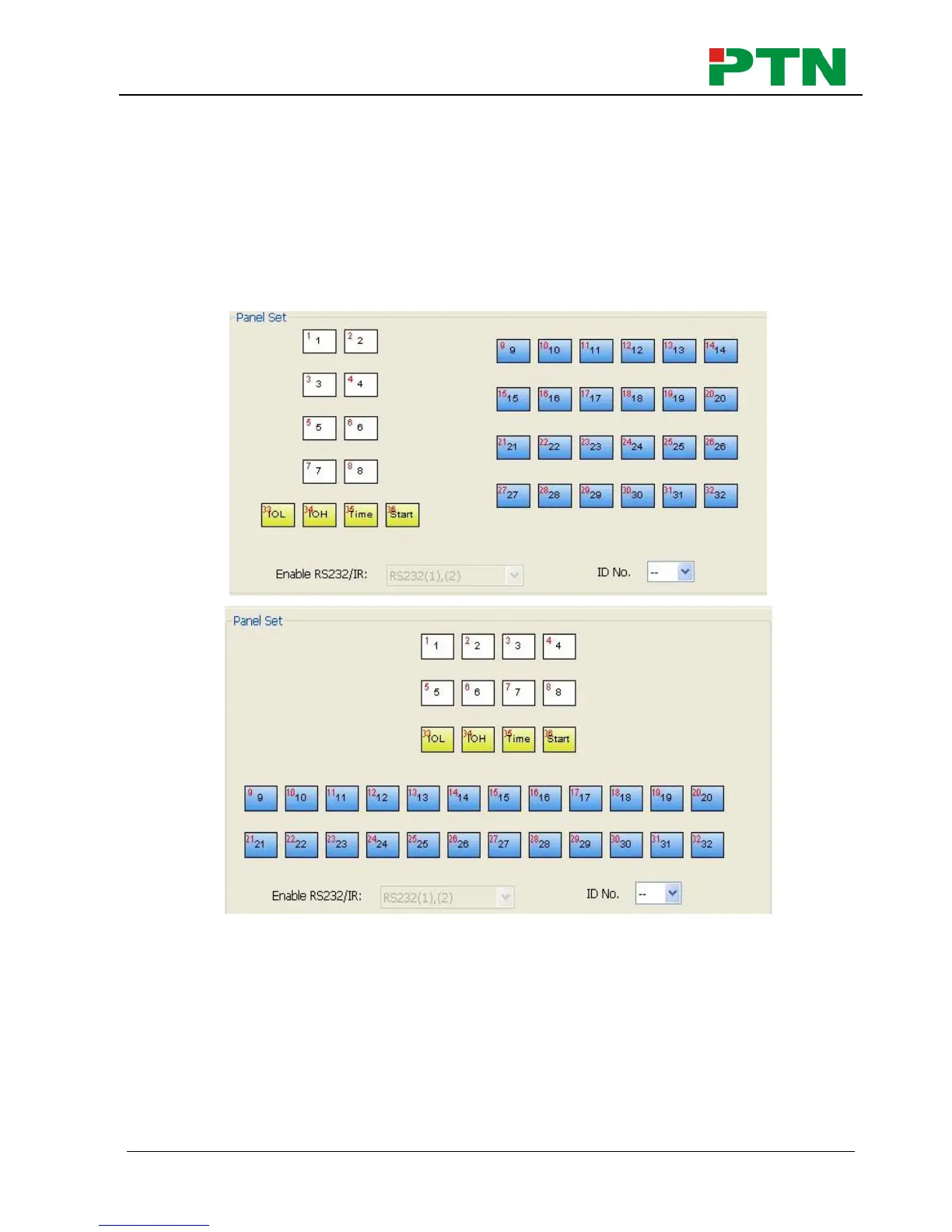
2) System model: includes WP8-H, WP8-V, WP19R etc, and the buttons interface
view are different with different models. The pictures below show the differences
between WP8-V and WP8-H.
NOTICE: When select the model WP8, it will pop up “Output Port Selection” dialog,
user can select different RS and IR types, depend on the uses of the two shared ports.
The dialog is as the picture below:


 To Next Page