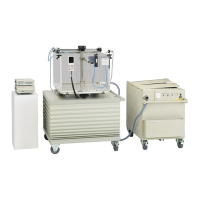
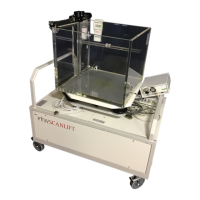
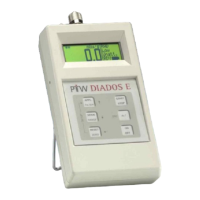
MULTIDOS
RS232 Interface
Application Multi Channel Dosemeter
D177.131.2/0 13
8.3 Correction Telegrams
Telegram Description Response
KSx Set/Read the correction setting. Parameter x: 0 = correction off, 1 = on
KSx
KPp Set/Read the value of the atmospheric pressure p. p = 0500.0 … 1300.0
KPnnnn.n
KTt Set/Read the value of the ambient temperature t. t = 10.0 … 40.0
KTnn.n
KTR
Read the setting of the reference temperature. Parameter x: 0 = 20°C,
1 = 22°C
KTRx
KD
Read the air density correction factor kD
KDn.nnn
KKk Set/Read the overall correction factor k. k = 0.500 … 2.000
KKn.nnn
8.4 Calibration Factors
Telegram Description Response
CRsFccf Set/Read the calibration factor f of channel cc of set s
CRsFccf
CRsIx Set/Read the ‘Is calibrated’ flag of set s.
Parameter x: 0 = uncalibrated, 1 = calibrated
CRsIx
CRsNname Set/Read the name of set s.
Parameter name: string of 19 characters max. (spacers allowed)
CRsNname
CRsTccid Set/Read the ID id of channel cc of set s.
Parameter id: string of 15 characters max. (spacers allowed)
CRsTccid
CRsDdd.mm.
yyyy
Set/Read the calibration date of set s
CRsDdd.mm.
yyyy
CRsUx Update (x = 1)/Read (no x) the result of the check sum protection of set s
CRsUx
CRsBbbbbb Set/Read the block check value bbbbb of set s
CRsBbbbbb



 To Next Page