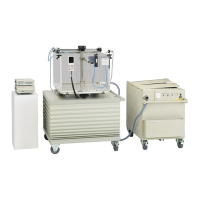
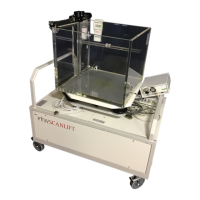
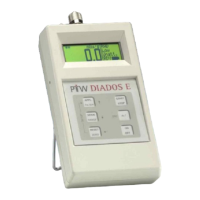
MULTIDOS
RS232 Interface
Application Dual Channel Dosemeter
D177.131.2/0 9
7 Application Dual Channel Dosemeter
Telegrams containing parameters alter a setting. If the parameter is omitted in the telegram, the actual setting is
returned. For clarification parameters are printed in
italic.
Example:
I0044 sets the interval time, I reads the actual interval time and is answered by I0044.
7.1 Basic Settings
Telegram Description Response
PWxP Set/Read the password protection. Parameter x: 0 = clear protection, 1 =
Set protection. P is the password string as described in the MULTIDOS
User Manual
PWx
Qx Set/Read the type of data readings on the display. Parameter x: 0 = abso-
lute values, 1 = relative values (channel 2 divided by channel 1)
Qx
Rxy Set/Read range settings. Parameter x: setting of channel 1. Parameter y:
setting of channel 2. Valid values of x and y: L = Low, H = High, - = keep
current setting.
Valid values of the response o and t: L or H. o is the setting of channel 1, t
the setting of channel 2
Rot
Rxy Set/Read range settings. Parameter x: setting of channel 1. Parameter y:
setting of channel 2. Valid values of x and y: L = Low, H = High, - = keep
current setting.
Valid values of the response o and t: L or H. o is the setting of channel 1, t
the setting of channel 2
Rot
SETs Set/Read the calibration set to be applied. Parameter s: 1 up to 5
SETs
SP Read the protection setting of the calibration data. Parameter p is a one
digit number, whose bits show the protection status: bit .0 is set = pass-
word protection is set, bit .1 is set = hardware protection is active
SPp
Ux Set/Read unit of measurement. Parameter x: A = Ampere, S = Gy/s, M =
Gy/min, H = Gy/h
Ux



 To Next Page