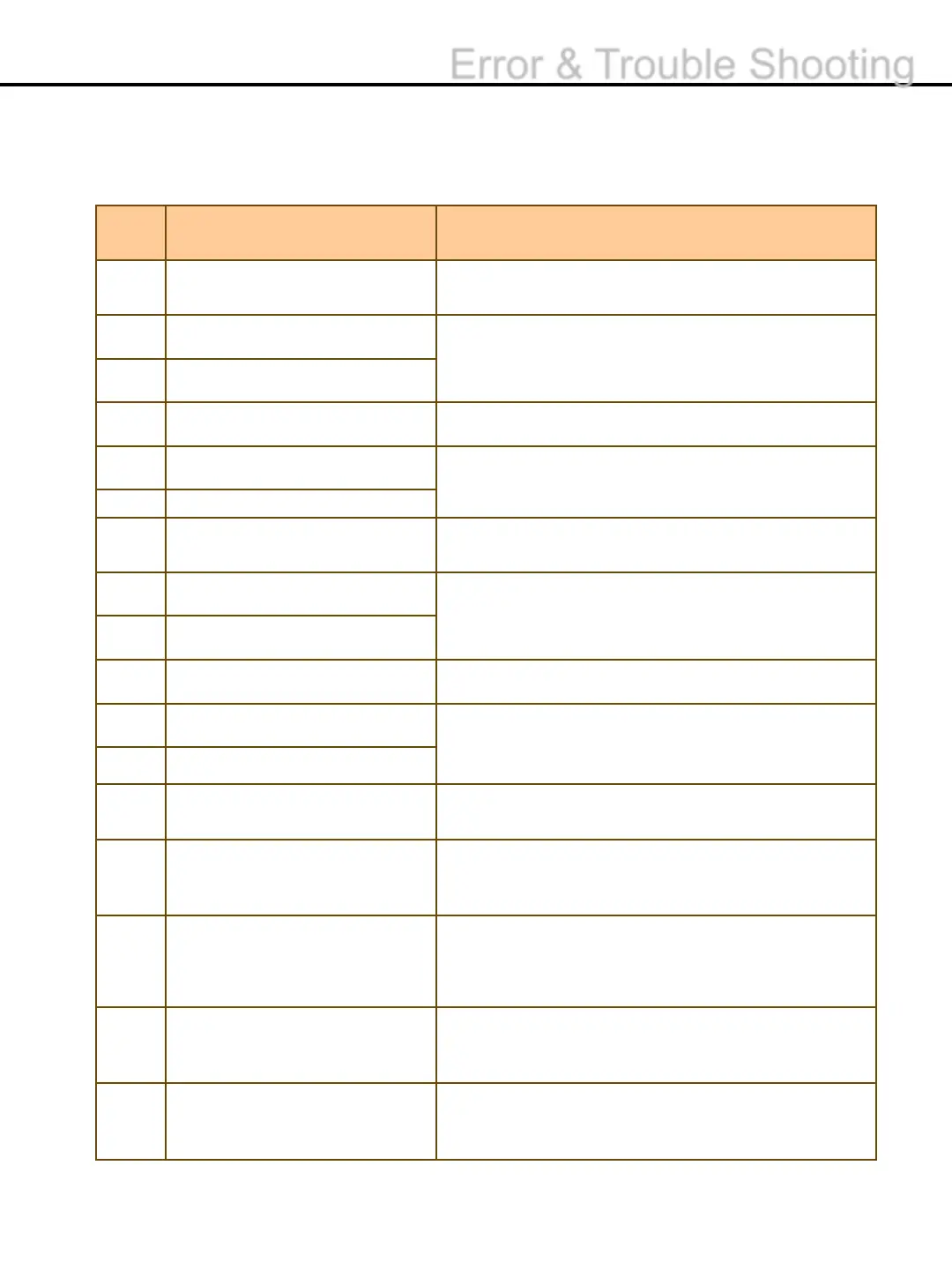
No.
Description TROUBLESHOOTING
31
1. Open the upper cover and remove the notes.
2. Press auto clear button.
32
1. Open the upper cover and lower part, remove the
notes.
2. Press auto clear button.
33
JAM
40
1. Check and Clean the Inlet sensor with a cloth.
41
1. Check and Clean the check sensors with a cloth.
42
43
1. Check if the lower cover is closed
2. Check diverter sensor.
44
Diverter Check Sensor Fail
1. Check and Clean the Diverter sensors with a cloth.
45
46
1. Remove the banknotes from the stacker.
47
1. Remove the banknotes from the reject pocket.
48
49
Diverter Check Sensor Fail2
1.Open the lower cover, remove the notes.
2.Press auto clear button
50
1. Turn the power off and on.
2. If the error continues, please contact a local
service Center.
upgrade error
1. Try to upgrade it again.
2. If the error continues, please contact a local
service Center.
problems
1. Turn the power off and on.
2. If the Error continues, please Contact to service
Center.
Error
1. Calibration retry.
2. If the Error continues, please Contact to service
Center.
-58-
Error & Trouble Shooting


 To Next Page