-59-
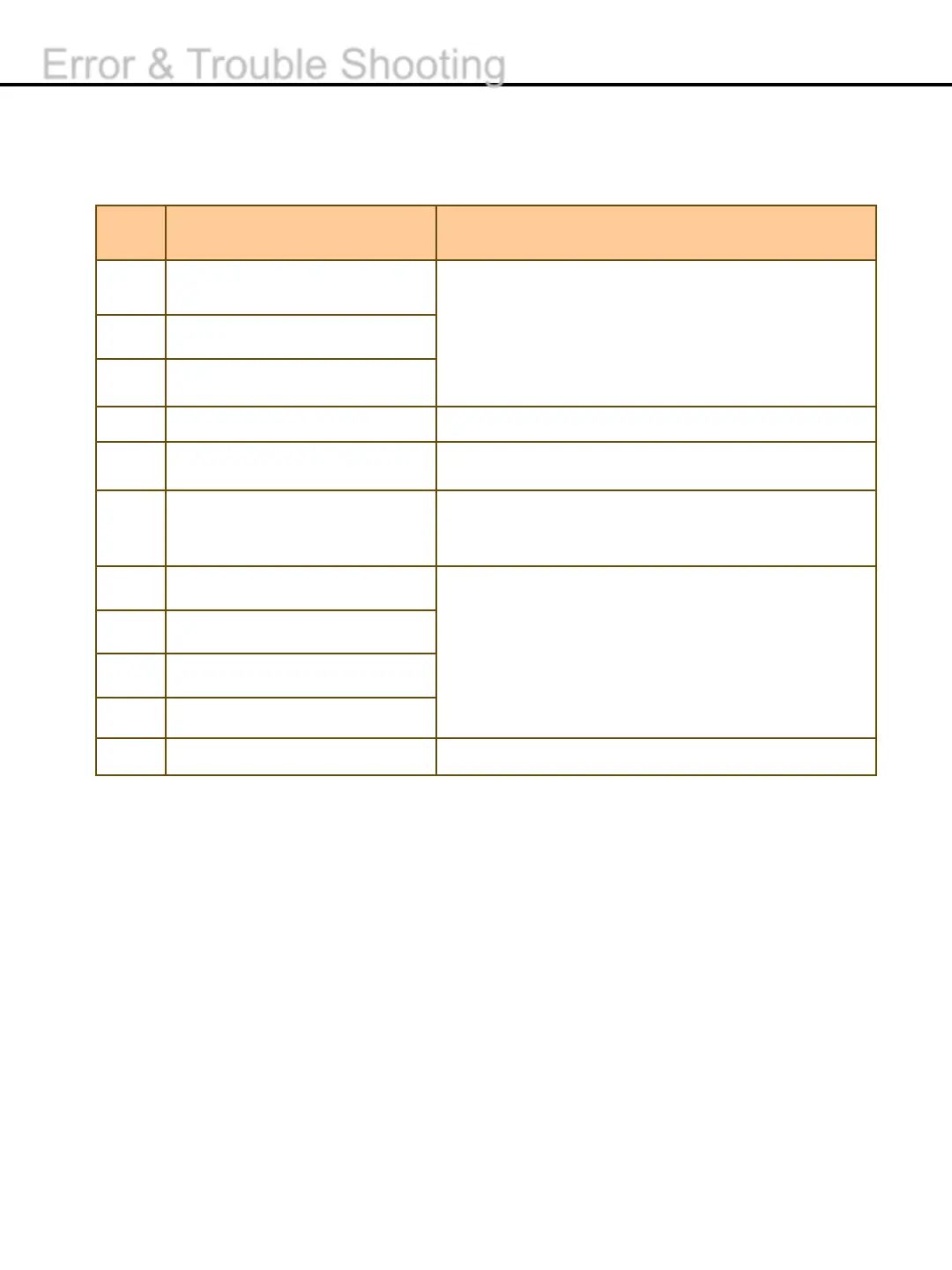
No.
Description TROUBLESHOOTING
91
1. Turn the power off and on again.
92
Board failure
93
UI and another board
94
Mismatch
1. Try to count the banknotes again.
95
the limit of available
1. Press CLEAR Button.
96
1. Turn the power off and on again.
2. If the error continues, please contact a local
service center.
A1
Board is reset
1. Turn the power off and on again
A2
is reset
A3
is reset
A4
Detection Board is reset
A5
is broken
1. Try to upgrade TEMPLATE again.
Error & Trouble Shooting


 To Next Page