User Manual
PT-E-HD50
7. Panel Description
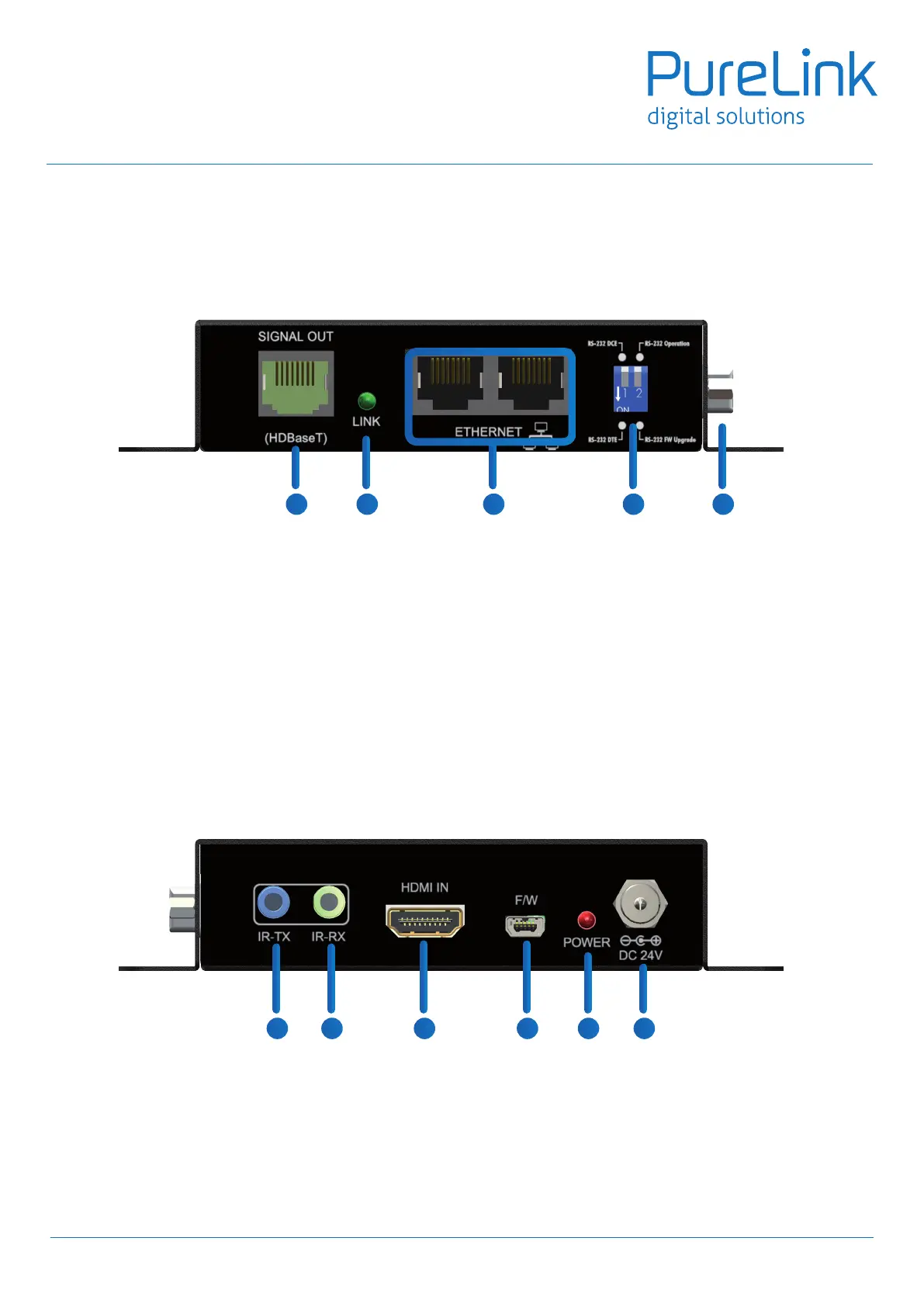
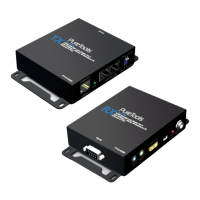
Transmitting unit PT-E-HD50 TX
Front Panel
Rear Panel
1. SIGNAL OUT: Plug in a Cat-5/5e/6 cable that needs to be linked to the transmitting unit RX.
2. LED: TX /RX link indicator
3. Ethernet port for LAN: Connect to network device
4. DIP Switch:
PIN#1: Setup the RS-232 mode for serial communication channel.
PIN#2: For Firmware Update
5. RS-232: Connect to serial port device with a DSUB-9 male-male or male-female cable here F/W update for
Valens.
6. IR Blaster: Infrared 3.5mm socket for plugging in the extension cable of IR blaster
7. IR Receiver: Infrared 3.5mm socket for plugging in the extension cable of IR receiver
8. HDMI IN: Connects to a HDMI source with a HDMI male-male cable
9. Mini-USB: F/W update
10. LED: Power indicator
11. +24V DC: Connect to a 24V DC power supply.
6
1 2 3 4 5
6 7 8 9
10 11


 To Next Page