USR-DR13X User Manual
2.1.3. Ethernet port
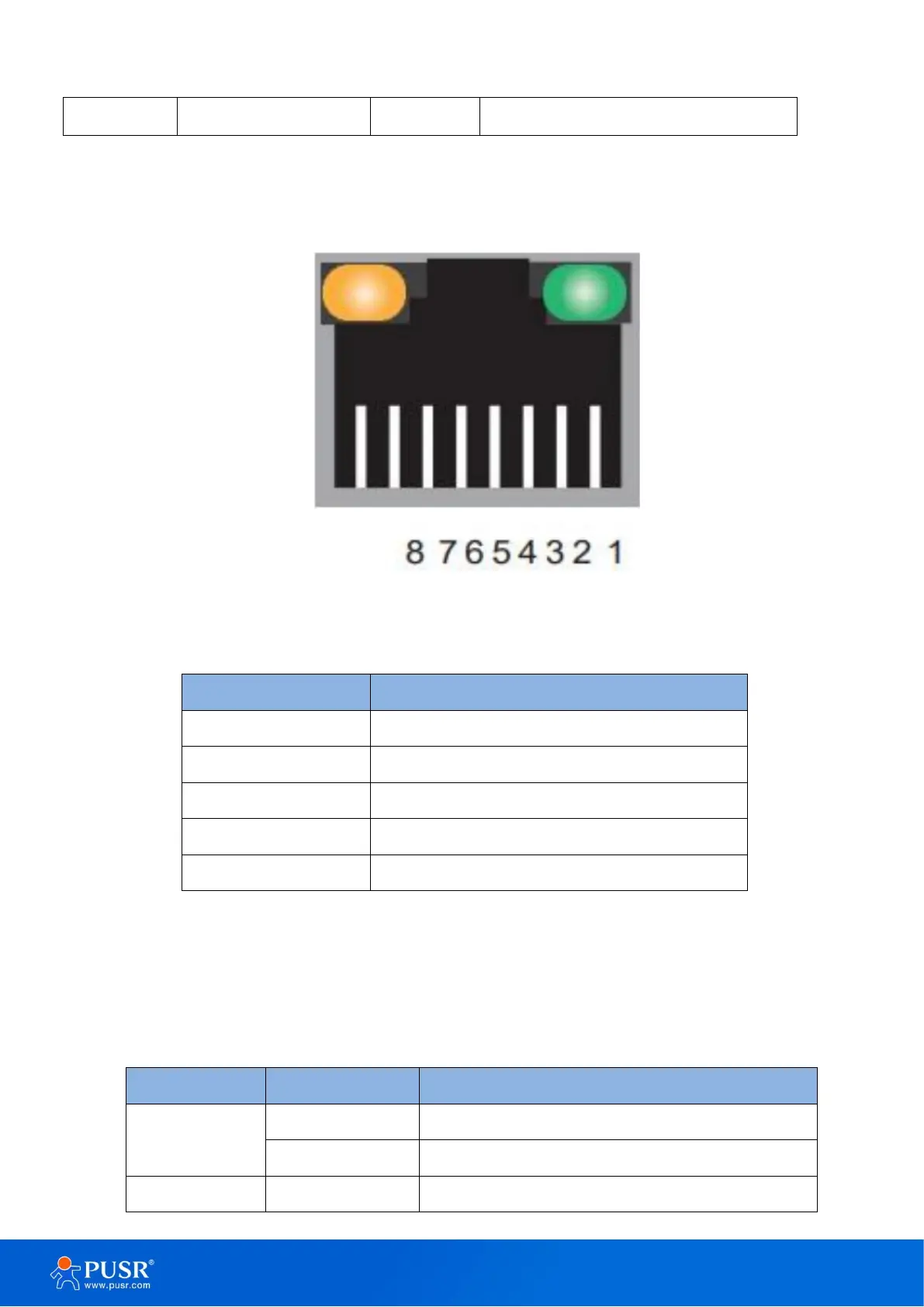
USR-DR13X series adopt 10Base-T/100Base-TX adaptive Ethernet RJ45 interface which supports automatic
MDI/MDIX connection.
Figure 2. RJ45 with light
Table 3. Ethernet pin assignment
2.1.4. LED indicators
There are 4 indicators on the device: POW, WORK, COM, LINK. The LED indicators description is in the
following table.
Table 4. LED indicators description
No power supply or abnormal power supply
System is booted up and running


 To Next Page