USR-DR13X User Manual
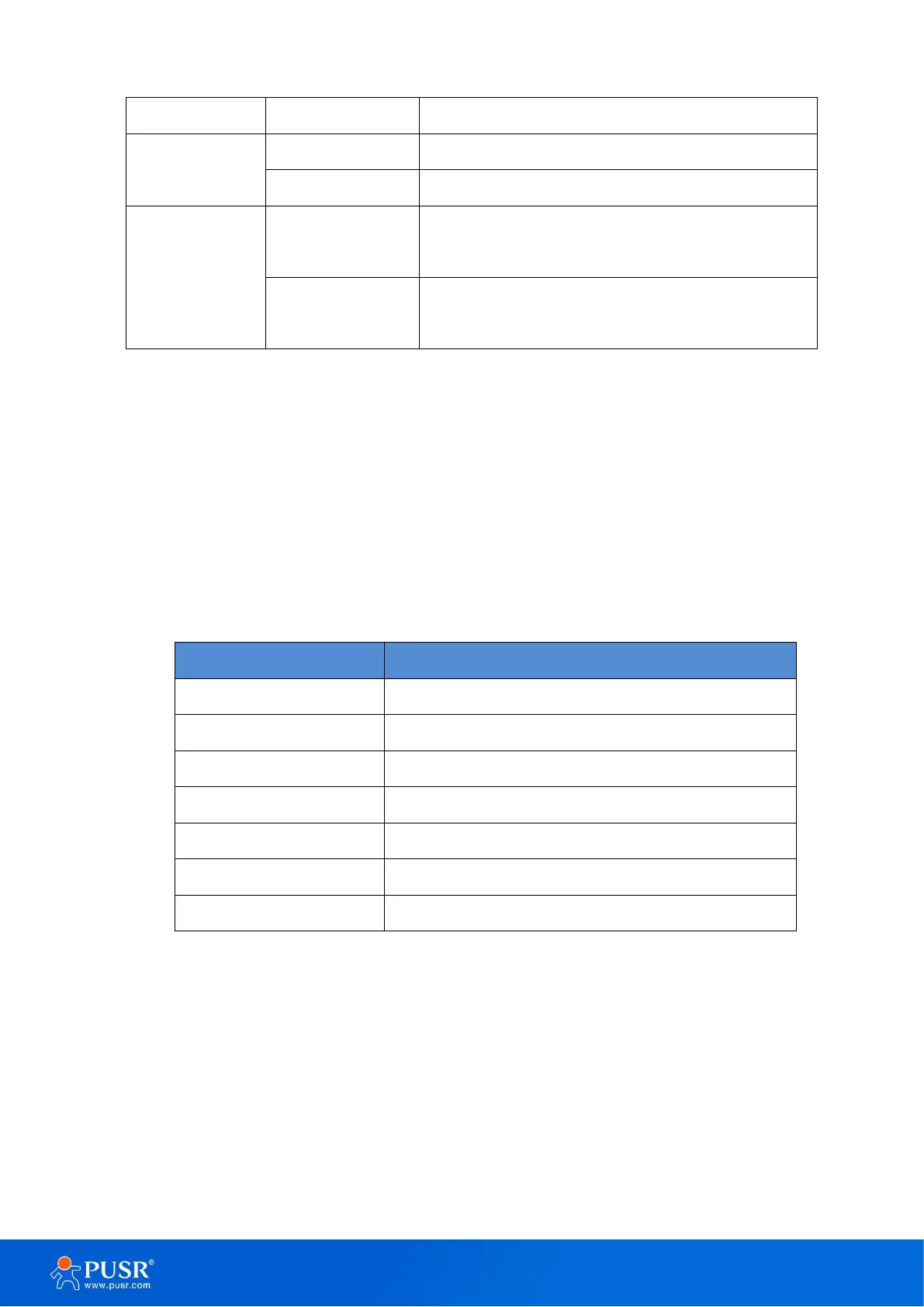
The device is upgrading the firmware
The serial port does not send or receive data
The serial port is sending and receiving data
1. The TCP socket connection has been established
2. In UDP mode, it’s always be on
The TCP socket connection has not been
established
2.1.5. Reset to factory setting
Reload button: Press and hold Reload button for 3-15s to restore factory settings when powered on.
AT command: AT+CLEAR command can reset device to factory settings.
Software: Factory reset via setup software or network configuration protocol
2.1.6. Factory default setting
The USR-DR13X serial device server comes with the following default setting.
Table 5. Default parameter
2.2. Quick test
USR-DR13X series serial server has a built-in Web server, which provides a convenient way to access and
configure the serial server. Users can use Edge, Firefox or Google browser to access it. This chapter is a quick
introduction to the USR-DR13X series of serial server products. It is recommended that users read this chapter
and follow the instructions once for the system, and you will have a basic understanding of the product. For
specific function details and instructions, please refer to the subsequent chapters.
2.2.1. Download software
Download the software from PUSR’s website:


 To Next Page