USR-DR13X User Manual
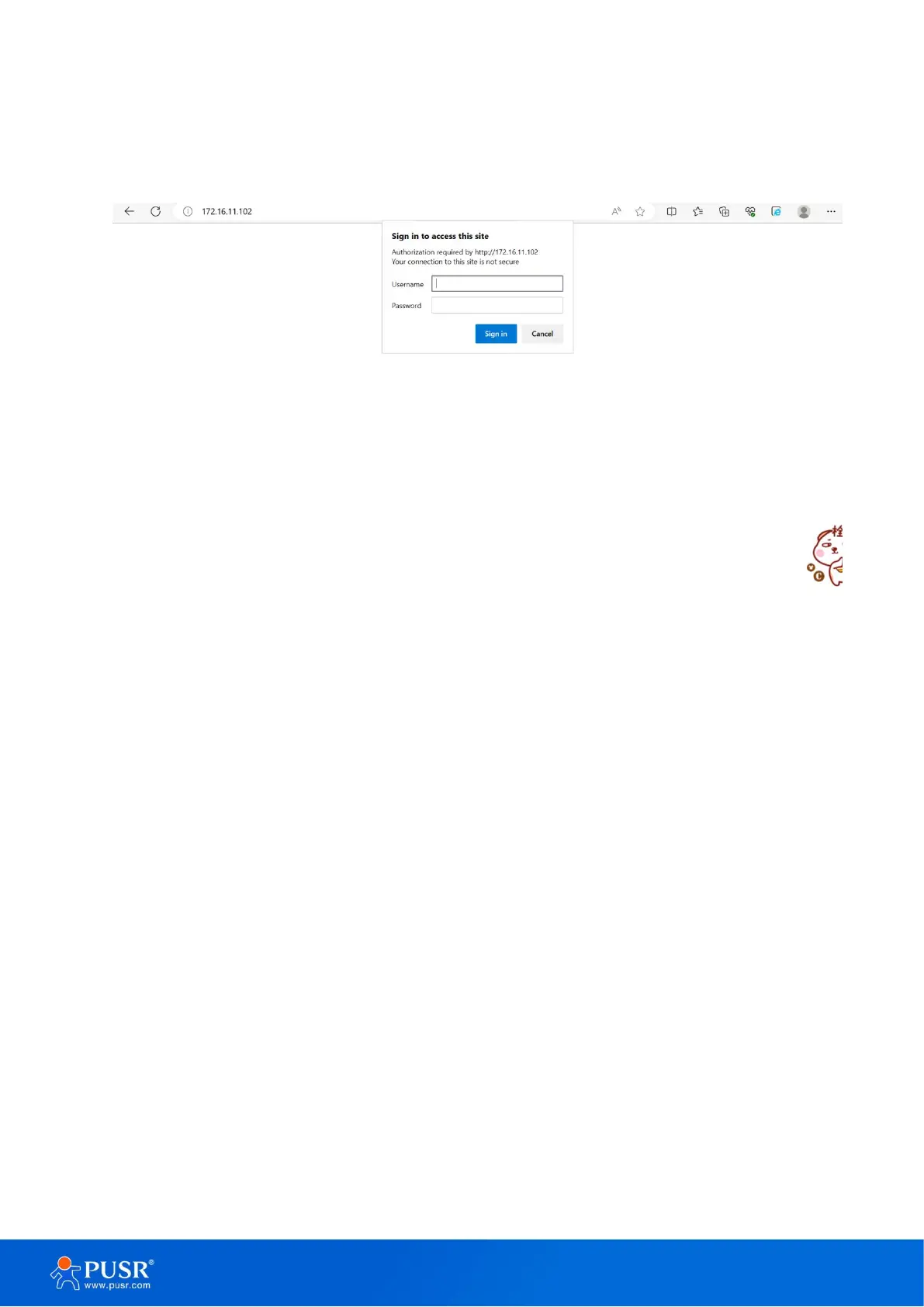
in Figure 14. This approach (web interface) for configuring your device is the most user-friendly. It is the most
recommended and the most common method used for USR-DR13X Serial Device Server Series. Please go to its
corresponding section for a detailed explanation
Figure 12. Login page
3.1.1. Status
After entering the correct username and password and the authentication is successful, you will enter the
main page of the Web, as shown in figure 15. The main page can be roughly divided into three areas. The upper
area displays the logo, the lower left area is the function menu area, the middle area is the main function display
area, and the lower right area is the help document area. Figure 15 illustrates the status page of the web
interface.


 To Next Page