Need help?
Do you have a question about the Pyle PLBT73G and is the answer not in the manual?
Configures voice prompt language for GPS navigation directions.
Edits vehicle type, navigation mode, and route planning preferences.
Enter destination by typing the street address.
 General
| Brand | Pyle |
|---|---|
| Model | PLBT73G |
| Type | Car Receiver |
| Bluetooth | Yes |
| USB Port | Yes |
| SD Card Slot | Yes |
| AUX Input | Yes |
| Radio | AM/FM |
| Audio Formats Supported | MP3, WMA |
| Video Formats Supported | MP4, AVI |
| Rear Camera Input | Yes |
| Display Type | LCD |
| Single or Double DIN | Double DIN |
| Remote Control | Yes |
| Maximum Power | 200 Watts |
| Power Output | 4 x 50 Watts |
| Inputs | USB, SD, AUX |
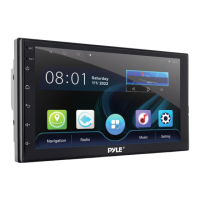
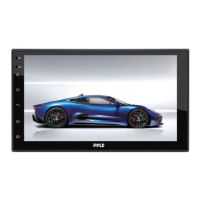
| Display | 7'' Digital Touchscreen Display |

 To Next Page