9.2 Connecng to uPyxis® Mobile App
Connect the SP-210 sensor to a mobile smart phone according to the following steps:
1. Follow the steps in the Bluetooth Connecon to Devices secon to make the SP-210 discoverable.
2. Open uPyxis® Mobile App.
3. On uPyxis® Mobile App, pull down to refresh the list of available Pyxis devices.
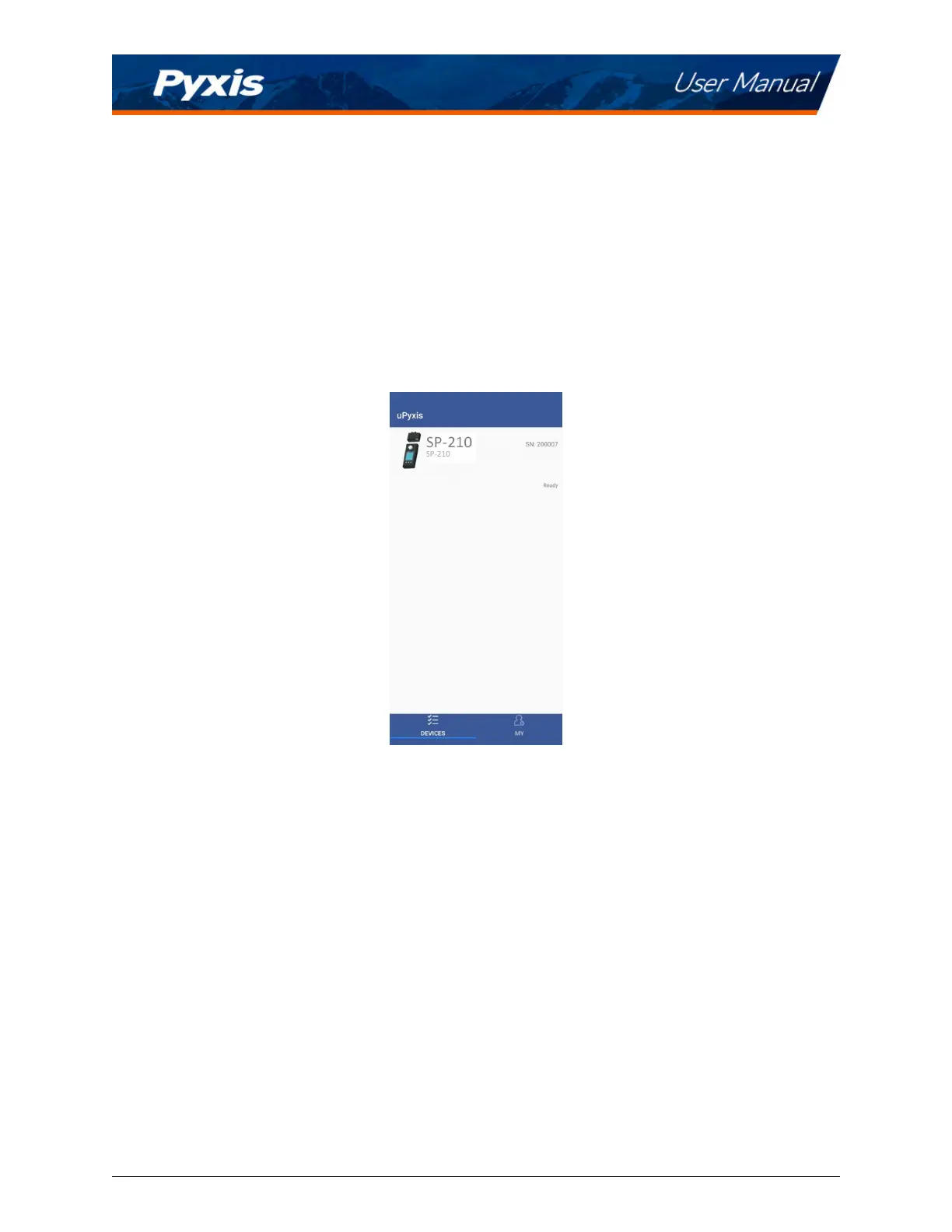
4. If the connecon is successful, the SP-210 and its Serial Number (SN) will be displayed (Figure 12).
5. Press on the
SP-210 image.
Figure 12.
SP-210 User Manual service@pyxis-lab.com | +1 (866) 203-8397 11



 To Next Page