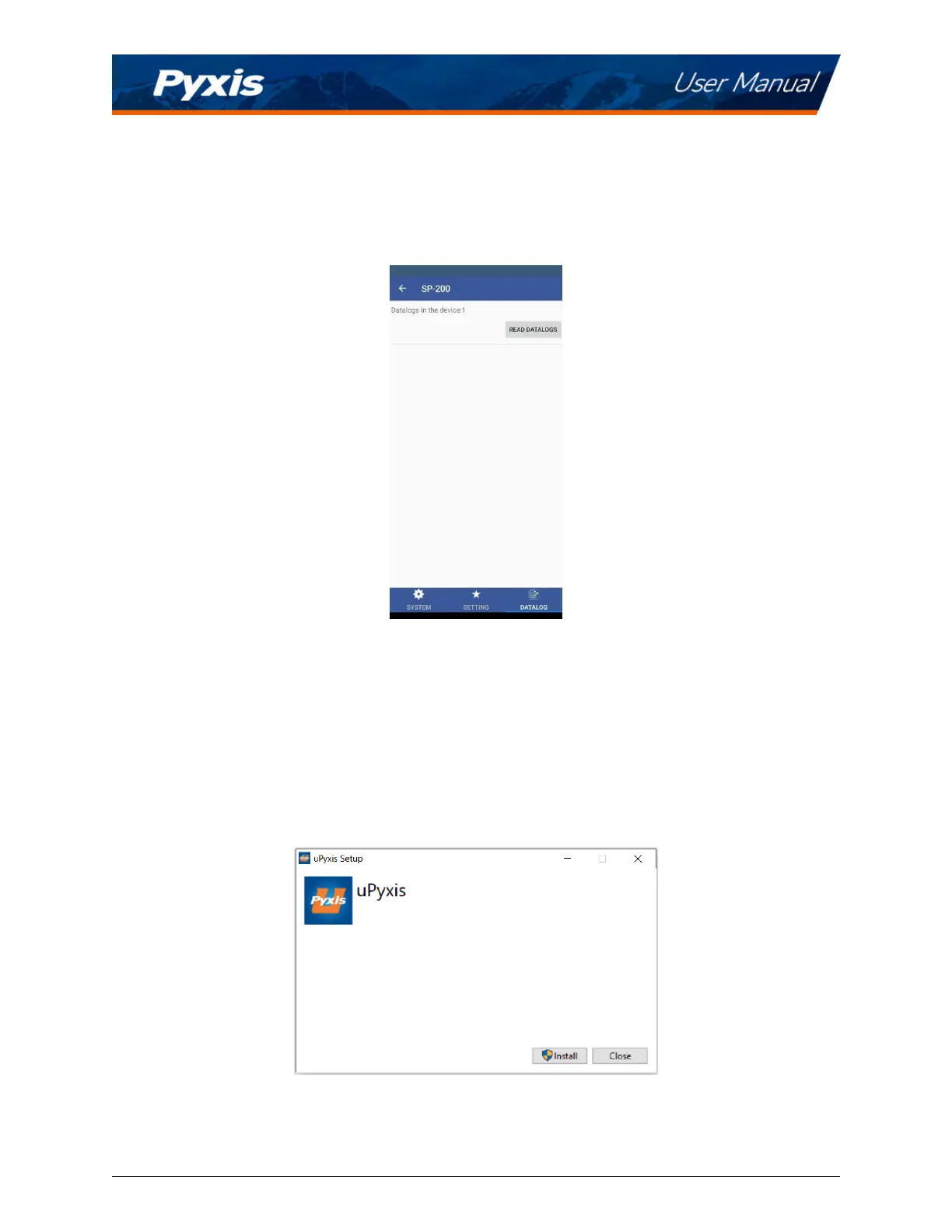
9.5 Datalog Screen
From the Datalog screen, the user can view and export the internal log les of the SP-210 by pressing
Read
Datalogs
and selecng the desired datalog (these are separated by month). The SP-210 will then populate
any relevant log event from the selected datalog which can be viewed in more detail by pressing
Read
Record or exported as a CSV document by pressing Export/Share.
Figure 15.
10 Use with uPyxis® Desktop App
10.1 Install uPyxis® Desktop App
Download the latest version of uPyxis® Desktop soware package from:
hps://pyxis-lab.com/upyxis/ this
setup package will download and install the Microso.Net Framework 4.5 (if not previously installed on the
PC), the USB driver for the USB-Bluetooth adapter (MA-NEB), the USB-RS485 adapter (MA-485), and the
main uPyxis® Desktop applicaon. Double click the uPyxis.Setup.exe le to install.
Figure 16. uPyxis® Desktop App installaon
Click Install to start the installaon process. Follow the screen instrucons to complete the USB driver and
uPyxis installaon.
SP-210 User Manual service@pyxis-lab.com | +1 (866) 203-8397 14



 To Next Page