10.2 Connecng to uPyxis® Desktop App
Connect the SP-210 to a Windows computer using a Bluetooth/USB adapter (P/N: MA-NEB) according to
the following steps:
1. Follow the steps in the Bluetooth Connecon to Devices secon to make the SP-210 discoverable.
2. Plug the Bluetooth/USB adapter into a USB port in the computer.
3. Launch uPyxis® Desktop App.
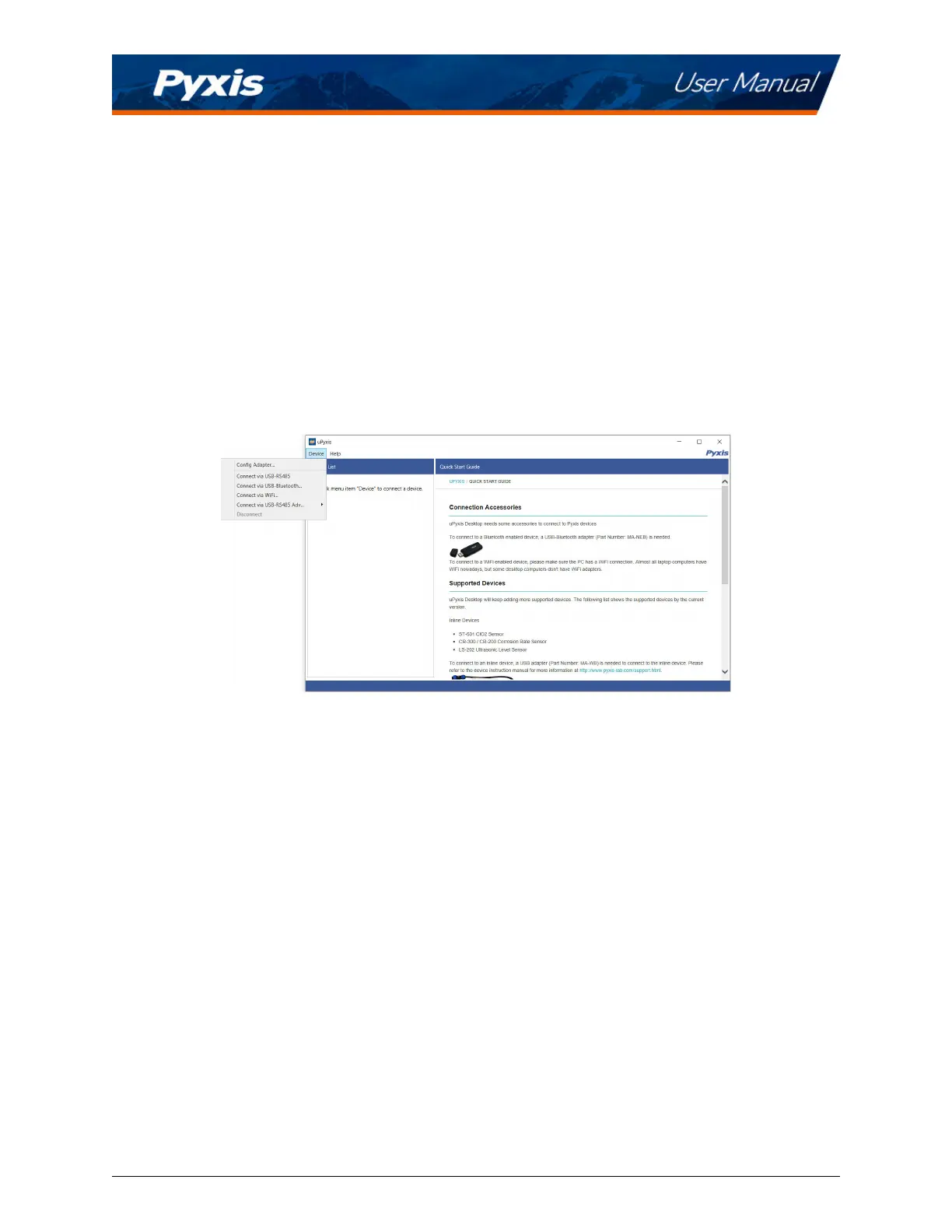
4. On uPyxis® Desktop App, click Device →
Connect via USB-Bluetooth (Figure 17).
5. If the connecon is successful, the SP-210 and its Serial Number (SN) will be displayed in the le pane
of the uPyxis® window.
Figure 17.
SP-210 User Manual service@pyxis-lab.com | +1 (866) 203-8397 15



 To Next Page