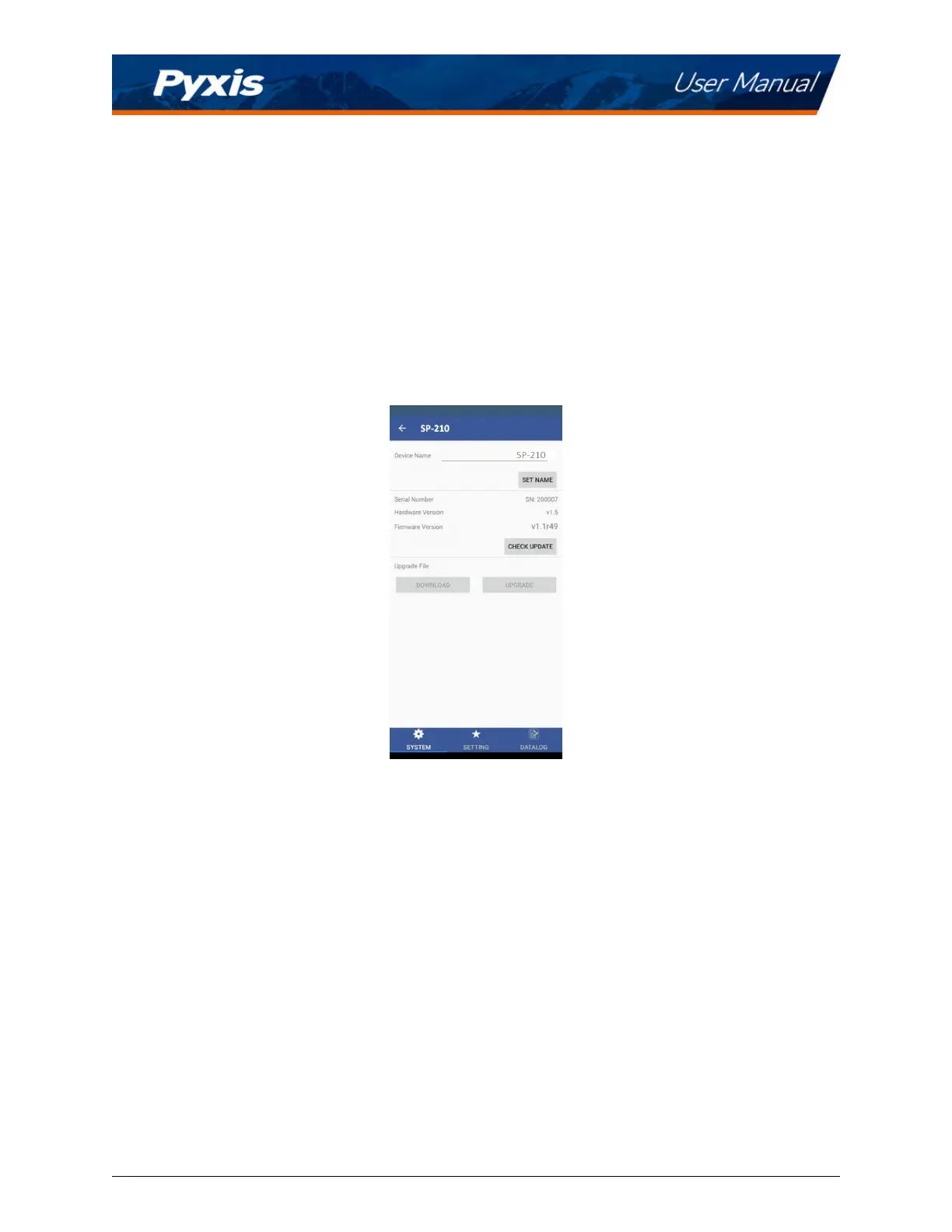
9.3 System Screen
When connected, the uPyxis® Mobile App will default to the System screen. From the System screen, users
can change the Device Name, nd the Serial Number, Hardware Version, and Firmware Version, as well as
update the rmware of the SP-210 by pressing
Check Update. If a rmware update is available, press Get
Firmware. Once the new rmware is downloaded, press Upgrade Firmware.
*
NOTE
*
The rmware update process takes some me and will require the SP-210 to stay
within range (approximately 10 without obstrucons) for the enre duraon of the up-
date.
Once the update is complete, the SP-210 will reboot which will disconnect the SP-210 from the uPyxis®
Mobile App.
Figure 13.
SP-210 User Manual service@pyxis-lab.com | +1 (866) 203-8397 12



 To Next Page