HF-90 Operation & Installation Guide
Each subsequent press of the CLAR (up) key will increase
the receive frequency by another 5 units, until the upper
limit of 100 units is reached.
To adjust the clarifier level on your HF-90 in a downward
direction (thus decreasing the receive frequency), press and
release the CLAR (down) key. The first time you press the
CLAR (down) key the display will show the numeral zero
(as illustrated on the previous page). Press and release the
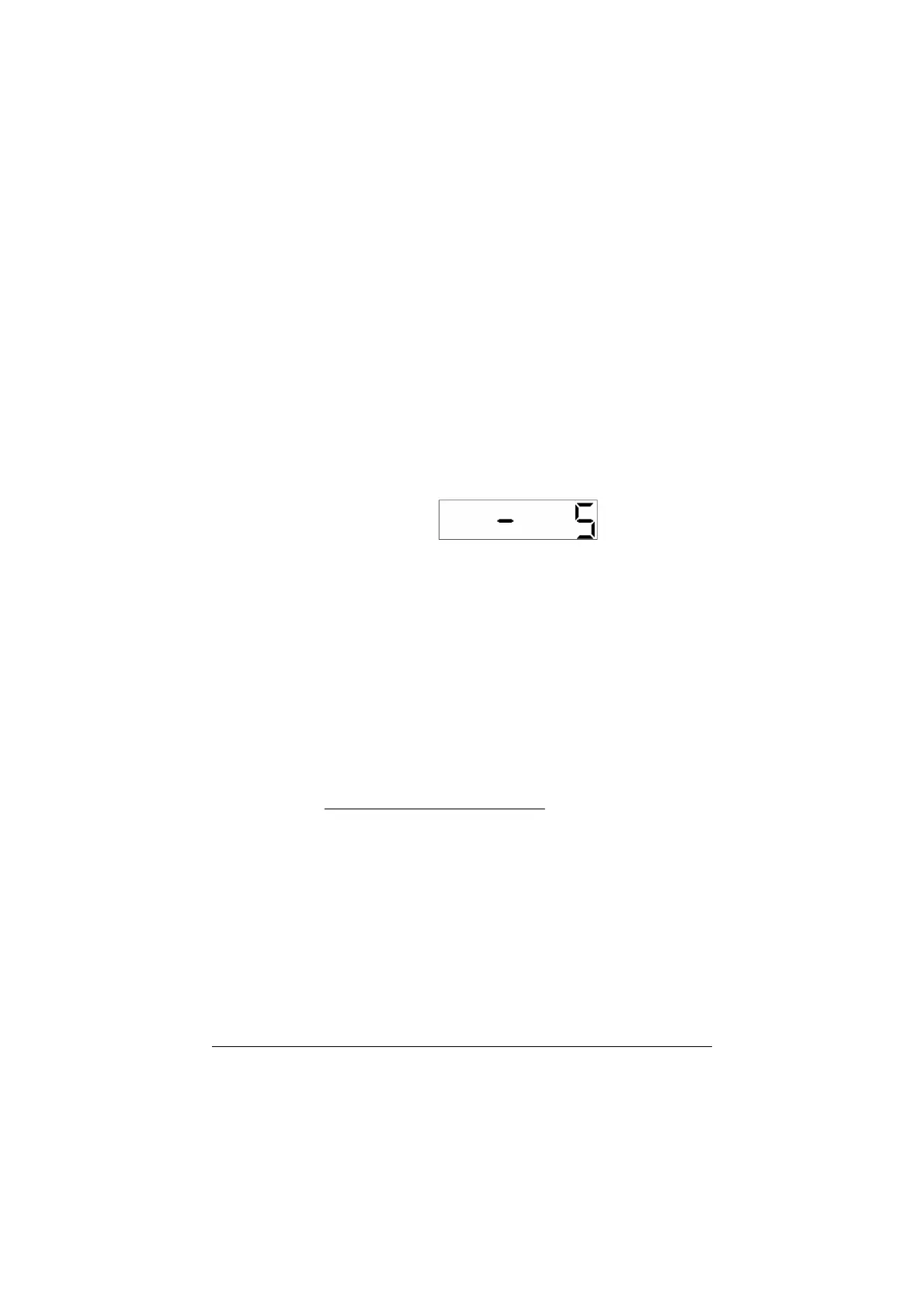
CLAR (down) key again. This time the display will appear
as follows:-
This display shows that the clarifier has been
adjusted by -5 units.
Each subsequent press of the CLAR (down) key will
decrease the receive frequency by another 5 units, until the
lower limit of -100 units is reached.
Once the clarifier has been adjusted for a particular channel
the new setting will remain in place until another channel is
selected or until the HF-90 is switched off. When returning
back to the original channel the clarifier setting is not saved
- ie. it will be set back at the zero level.
Section 5.4
22



 To Next Page