PCIe 3.0 x4
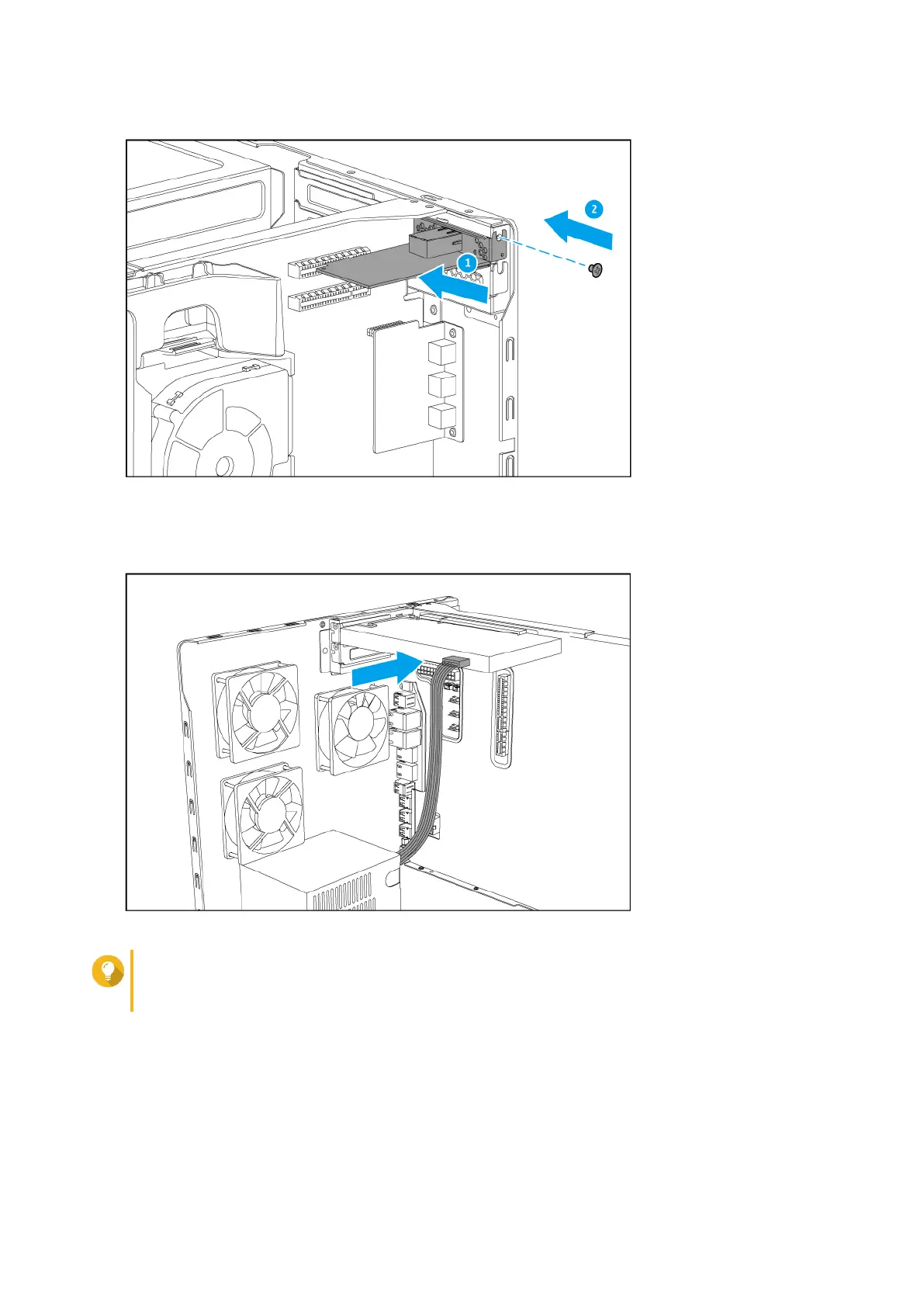
d. Attach the PCIe power connector to the expansion card.
Tip
Larger expansion cards may require you to attach the PCIe power connector before inserting
the card into the slot.
9. Attach the case cover.
a. Slide the cover down until it completely connects with the chassis.
b. Slide the cover forward.
c. Attach the screws to the back side of the case.
TS-1677X User Guide
Installation and Configuration 24



 To Next Page
 Loading...