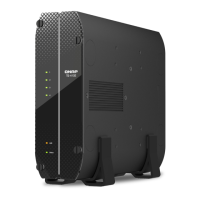
3. Installation and Conguration
This chapter provides specic hardware and rmware installation and conguration steps.
Hardware Installation
This section provides information on installing drives and adding expansion units.
Installing 2.5-inch Solid-state Drives on 2.5-inch Trays
Warning
• Installing a drive deletes all data on the drive.
• Observe electrostatic discharge (ESD) procedures to avoid damage to components.
•
Other moving components: Keep your hands and other body parts away from other
moving components.
• When using industrial wide temperature SSDs, you must adjust the disk warning
settings to 85°C in QTS to match the operating temperature upper limit of wide
temperature SSDs. You can set it once and apply it to all disks. The default temperature
settings in QTS for general commercial SSDs is 70°C.
1. Power o the NAS.
2. Disconnect the power cord from the electrical outlet.
3. Disconnect all cables and external attachments.
4. Remove the case cover.
a. Remove the NAS from the stand.
TS-410E User Guide
Installation and Conguration 11



 To Next Page
 Loading...