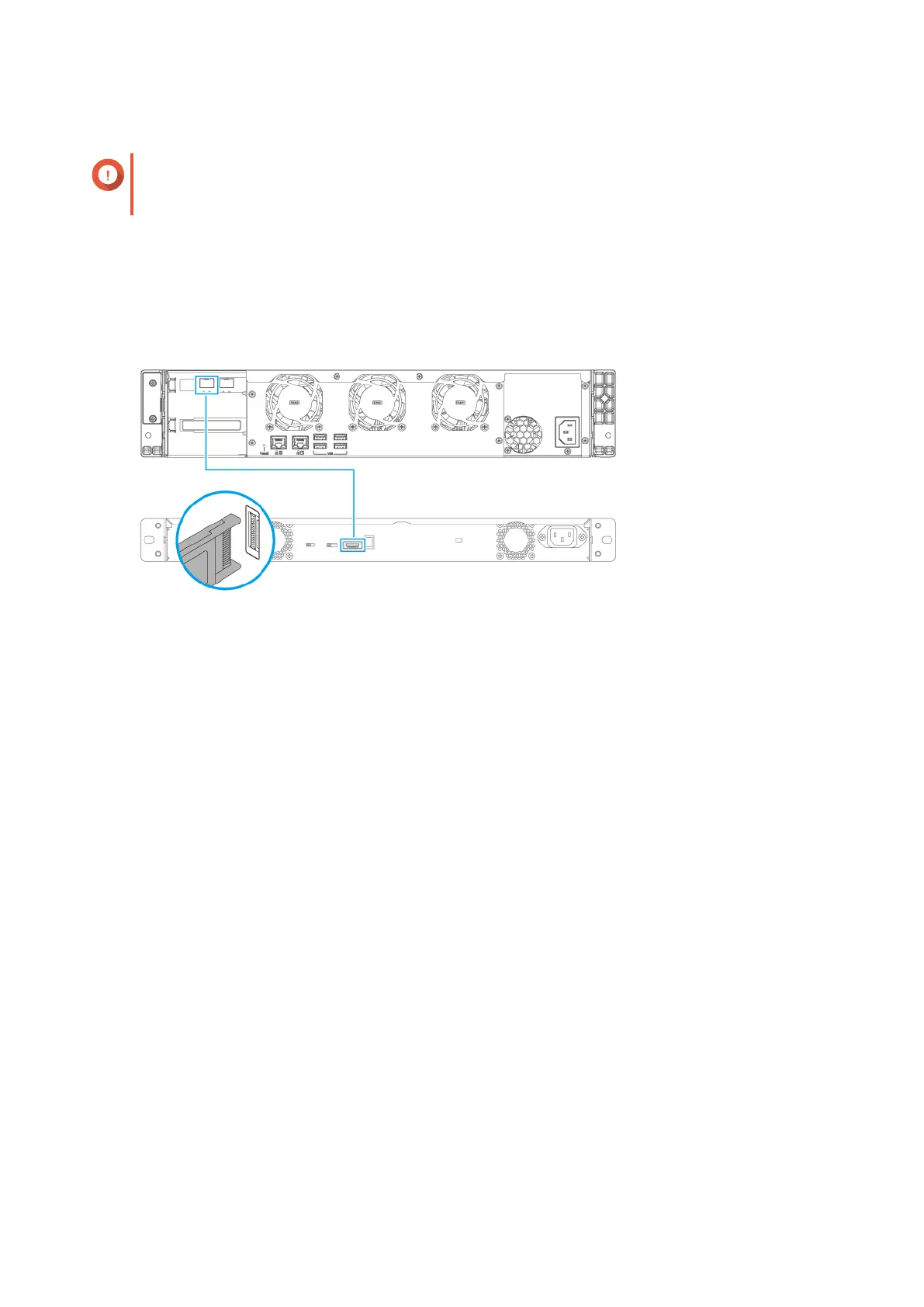
2. Install a host bus adapter on the PCIe slot.
Important
The QNAP QXP host bus adapter is required for connecting the SATA JBOD enclosure to a host
device. Third-party host bus adapters are not compatible with QNAP JBOD enclosures.
For details, see Installing expansion cards.
3. Connect the expansion unit to the NAS.
4. Power on the SATA JBOD expansion unit.
5. Power on the NAS.
6. Verify that the expansion unit is recognized by the NAS.
a. Log on to QTS as administrator.
b. Go to Main Menu > Storage & Snapshots > Overview > System .
c. Verify that the expansion unit is listed.
Connecting USB Expansion Units
To connect the device to a USB expansion unit, a USB Type-A to USB Type-C cable is required.
For required accessories details, see Expansion unit installation.
1. Connect the expansion unit to the NAS.
a. Connect the USB cable to the USB Type-C port on the expansion unit.
b. Connect the USB cable to a USB Type-A port on the NAS.
TS-855eU User Guide
Installation and Conguration 37



 To Next Page