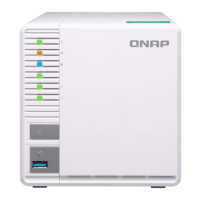
1. Install the system board.
Warning
Do not touch the components on the circuit board or allow the components to come into
direct contact with metallic objects. Doing so may cause damage.
a. Slide the system board into the system board tray.
b. Align the mounting holes on the system board to the screw holes on the tray.
c. Attach the screws that secure the system board to the tray.
| NAS Repair Manual
Category A NAS Models 25


 To Next Page
 Loading...