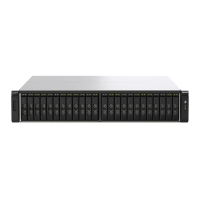
2. Connect the expansion units to the device using the following topology.
QNAP recommends always using dual-path conguration to prevent storage downtime due to
expansion unit failure or cable disconnection. Single-path conguration should be used only in a
situation where it is not possible to use dual-path conguration.
3. Power on the expansion units.
4. Verify that the expansion units are recognized by the device.
a. Log on to QuTS hero as administrator.
b. Go to Main Menu > Storage & Snapshots > Overview > System .
c. Verify that the expansion units are listed.
Connecting SATA JBOD Expansion Units
The TS-h3087XU-RP series supports connecting one SATA JBOD expansion unit. For required accessories
details, see Expansion Unit Installation.
1. Power o the NAS.
2. Install a host bus adapter on the PCIe slot.
TS-h3087XU-RP User Guide
Installation and Conguration 50


 To Next Page
 Loading...