—31—
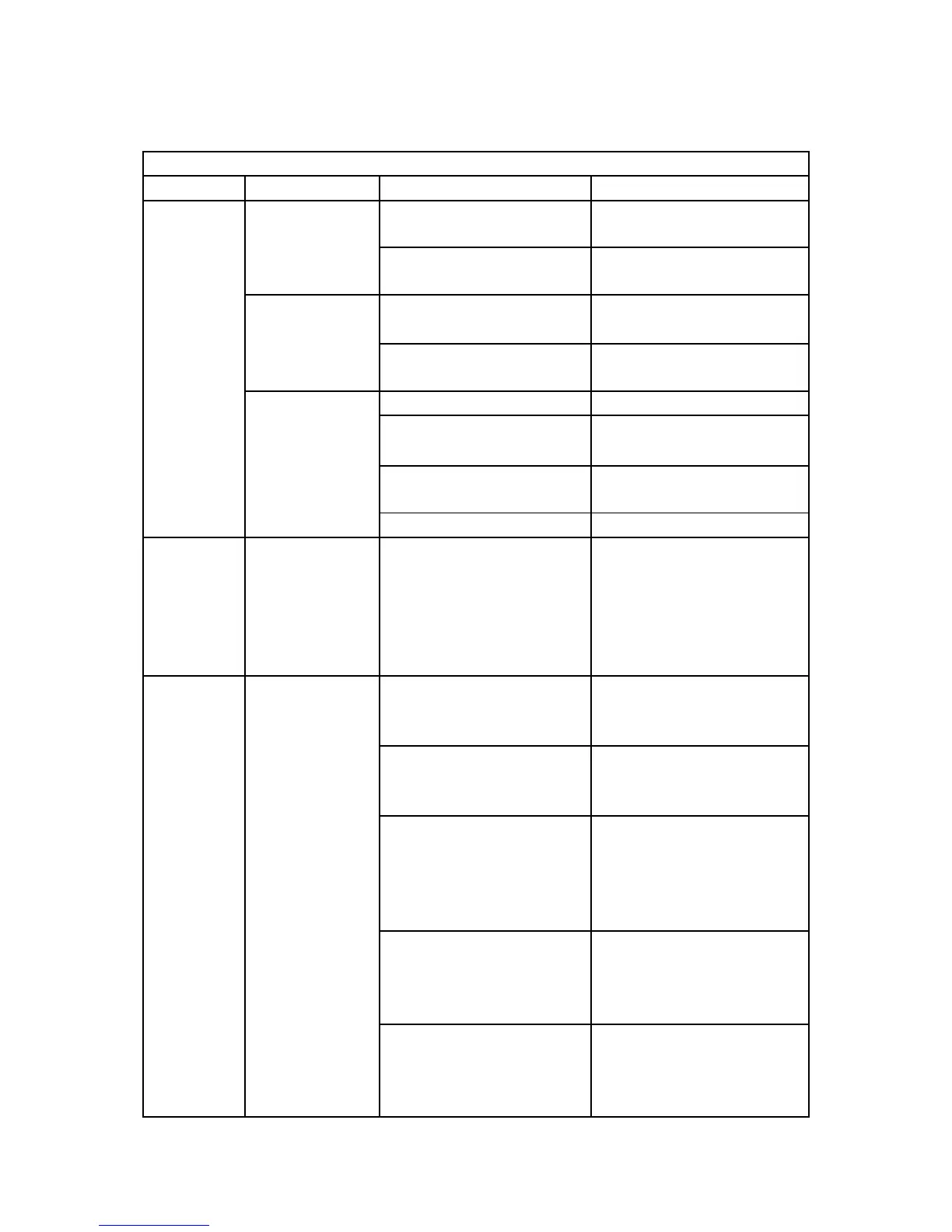
※Please refer to this list if your whiteboard use wireless connection.
There is no
server icon at the
lower right of the
screen
Server program is not
running
Server program is not
installed
Whiteboard is not connected
to computer
Connect whiteboard to
computer by USB cable
Something wrong with
server program
Uninstall server program and
install server program again
Pen battery has bad
connection
Take off battery and install
again.
Pen battery has not power
Replace battery or charge
pen.
The writing pen is damaged
The
calibration
points can
not appear
Can not see
green “十” cursor
on whiteboard
The projector vertical
adjustment or horizontal
adjustment is not correct, it
caused some part of screen
overstep whiteboard
projection area
Can not
search and
bind
whiteboard
Can not search
whiteboard
DC 5V power adapter could
not supply power to
whiteboard
Connect DC 5V power
adapter to supply power to
electromagnetic board.
Wireless receiver did not
plug on computer
Connect computer and
wireless receiver with USB
cable
There is some block
between wireless receiver
and whiteboard that can
shield electromagnetic wave
Adjust wireless receiver’s
position and make sure good
communication between
whiteboard and wireless
receiver
The connection between
computer and
electromagnetic whiteboard
is broken.
Shut off whiteboard’s power
or wireless receiver’s power,
bind the whiteboard again.
The distance between
wireless receiver and
whiteboard is more than 15
meters
Adjust distance between
wireless receiver and
whiteboard.


 To Next Page