Exchanging Messages and Using Outlook | 111
Note The following icons act as shortcuts to some of the operations on the
MMS Message screen:
• Tap
to preview your message
• Tap
to go to the previous slide
• Tap
to go to the next slide
To create an MMS message from a template
• Tap Edit > New from Template to compose a message using a
predefined template.
Note To save a message as a template, open the message and tap Edit >
Save as Template.
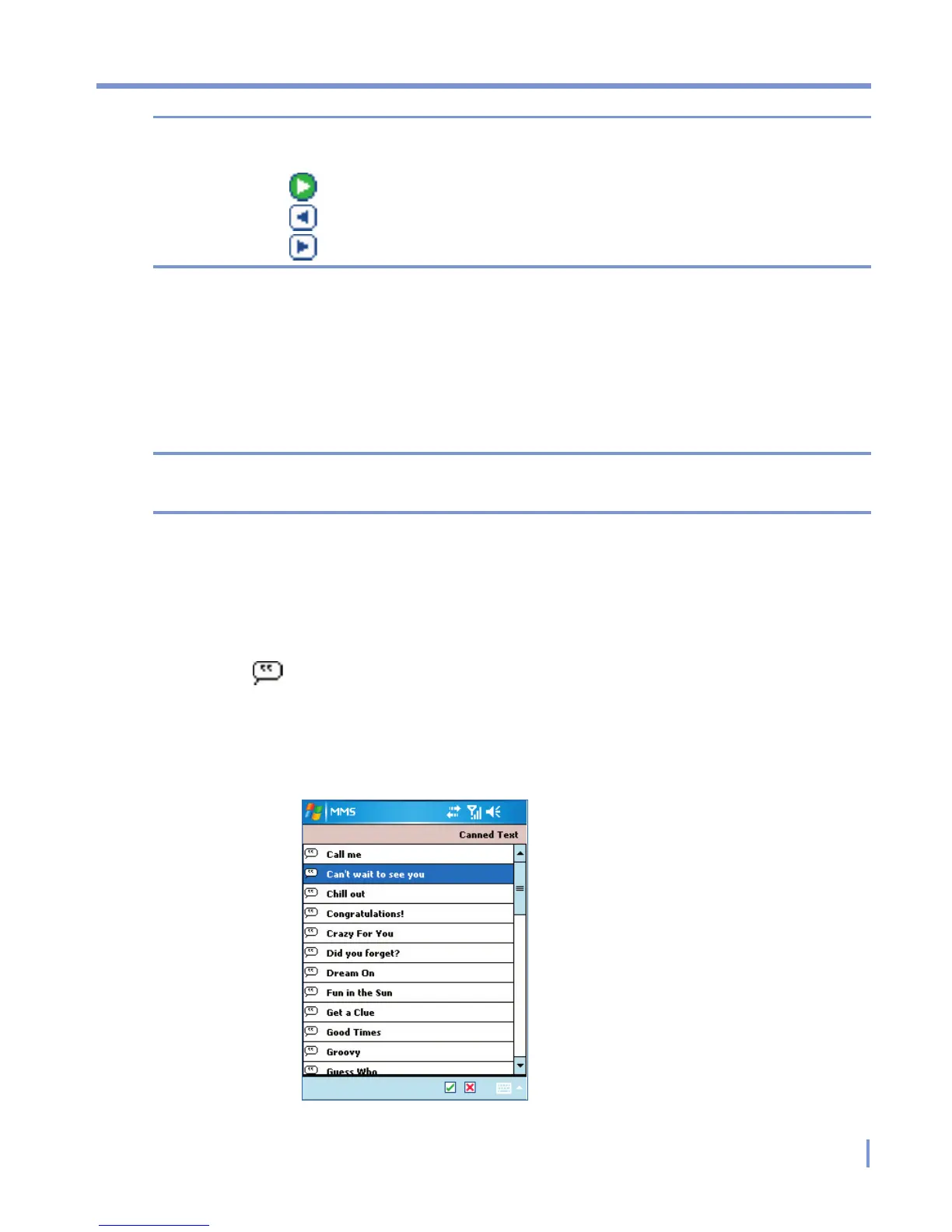
To add predefined text strings to an MMS message
You can instantly add text to any slide from a list of predefined words or
phrases, called Canned Text.
• Tap
to add a text string from the Canned Text list.
• To edit or delete a phrase on the Canned Text list, tap and hold a
string, then tap Edit or Delete from the shortcut menu. To create
and add a new phrase to the list, tap New.



 To Next Page