GL300W Manage Tool User Guide
TRACGL300WMT001 - 15 -
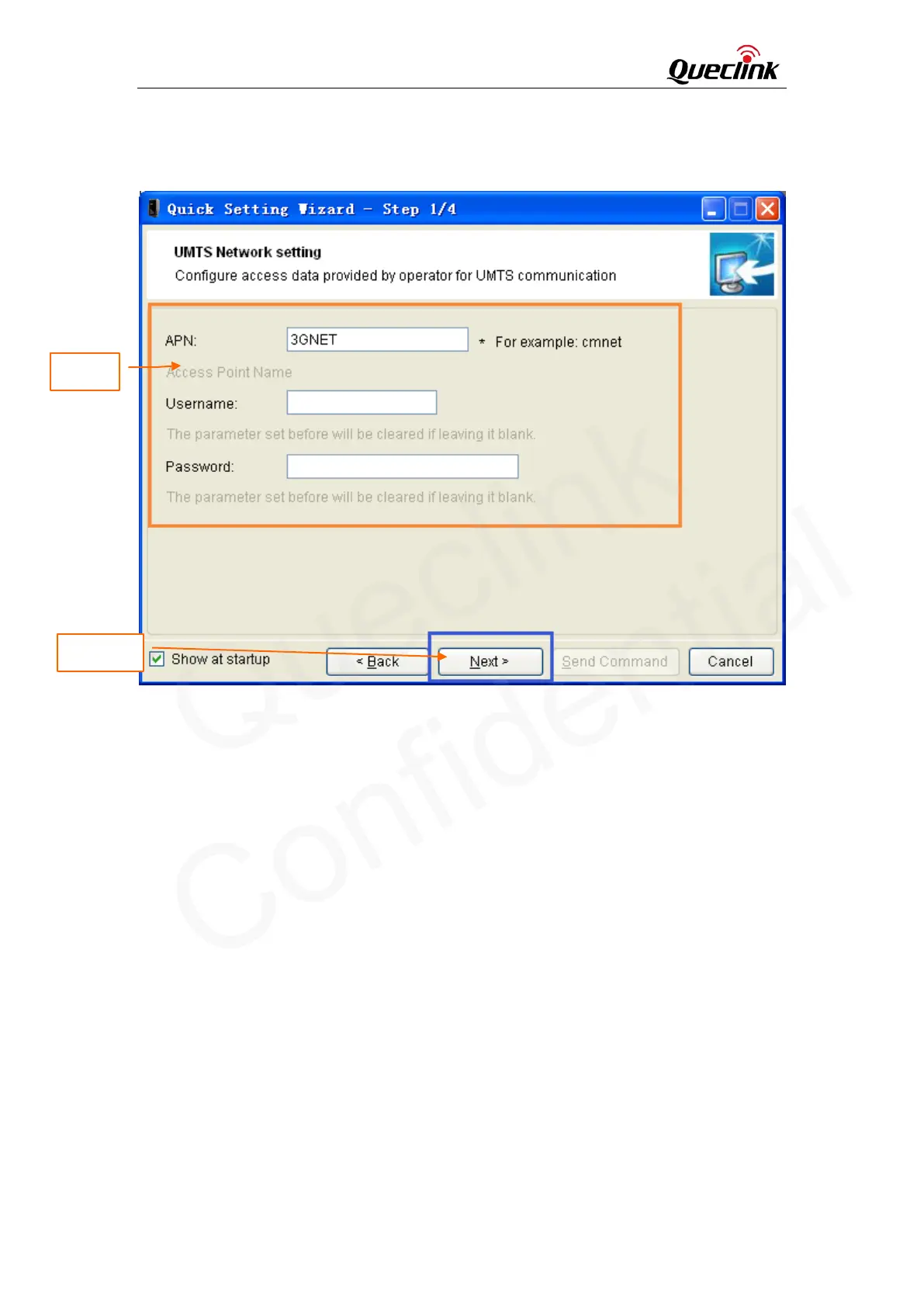
please refer to the “GL300W @Track Air Interface Protocol” for detail.
Step_2: Then click “Next”.
3.1.3. Main Server Setting
Step_1: Set report mode, main server, main server port, and SMS gateway in this window. The
meaning of these parameters, please refer to the “GL300W @Track Air Interface Protocol” for
detail.
Step_2: Click “Check if main backend server is available” to check if main server IP and port is
valid in network. If the result is ERROR, please check the server connection. You can not get
report from server if the server connection has problem.
Step_3: Click “Next”.
Step_1
Step_2


 To Next Page
 Loading...