3 Controller
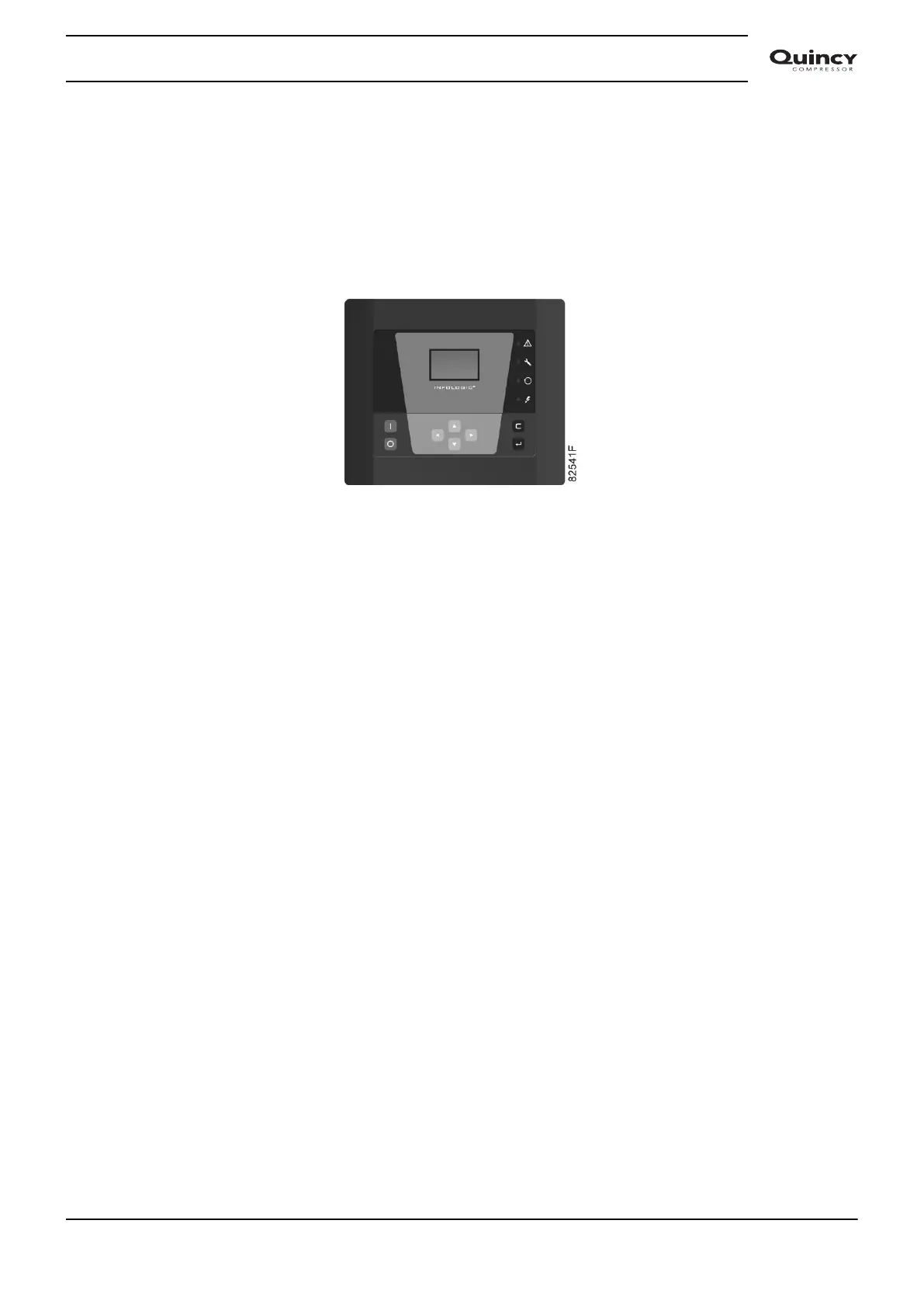
3.1 Infologic² controller
Control panel
Control panel
General description
The Infologic² controller automatically controls the dryer, i.e.:
• Monitors the pressure dew point and the digital switches to ensure safe operation.
• Stops the dryer whenever necessary.
• Restarts the dryer when required.
• Allows selection of the control mode. See section Calling up/modifying dryer regulation mode.
In order to control the dryer and to read and modify programmable parameters, the controller has a
control panel provided with:
• LED's, indicating the status of the dryer
• A display, indicating the operating conditions or a fault
• Keys to control the dryer and to access the data collected by the controller
• Buttons to manually start and stop the dryer
Instruction book
2920 7103 90 17



 To Next Page