Press Enter button (13) (unit starts blinking) and use the Scroll buttons (12) to select another unit of
temperature.
Press Enter button (13) to program the new unit.
Press Escape button (14) to return to the parameter screen.
3.19 Calling up/modifying unit of pressure
Calling up/modifying unit of pressure
In a similar way as explained in section Calling up/Modifying unit of temperature, also the unit of pressure
can be modified. This is done in screen <P. 6>.
For dryers however, there is no indication of the pressure on the controller, so this setting is of no importance.
3.20 Calling up/modifying dryer regulation mode
Description
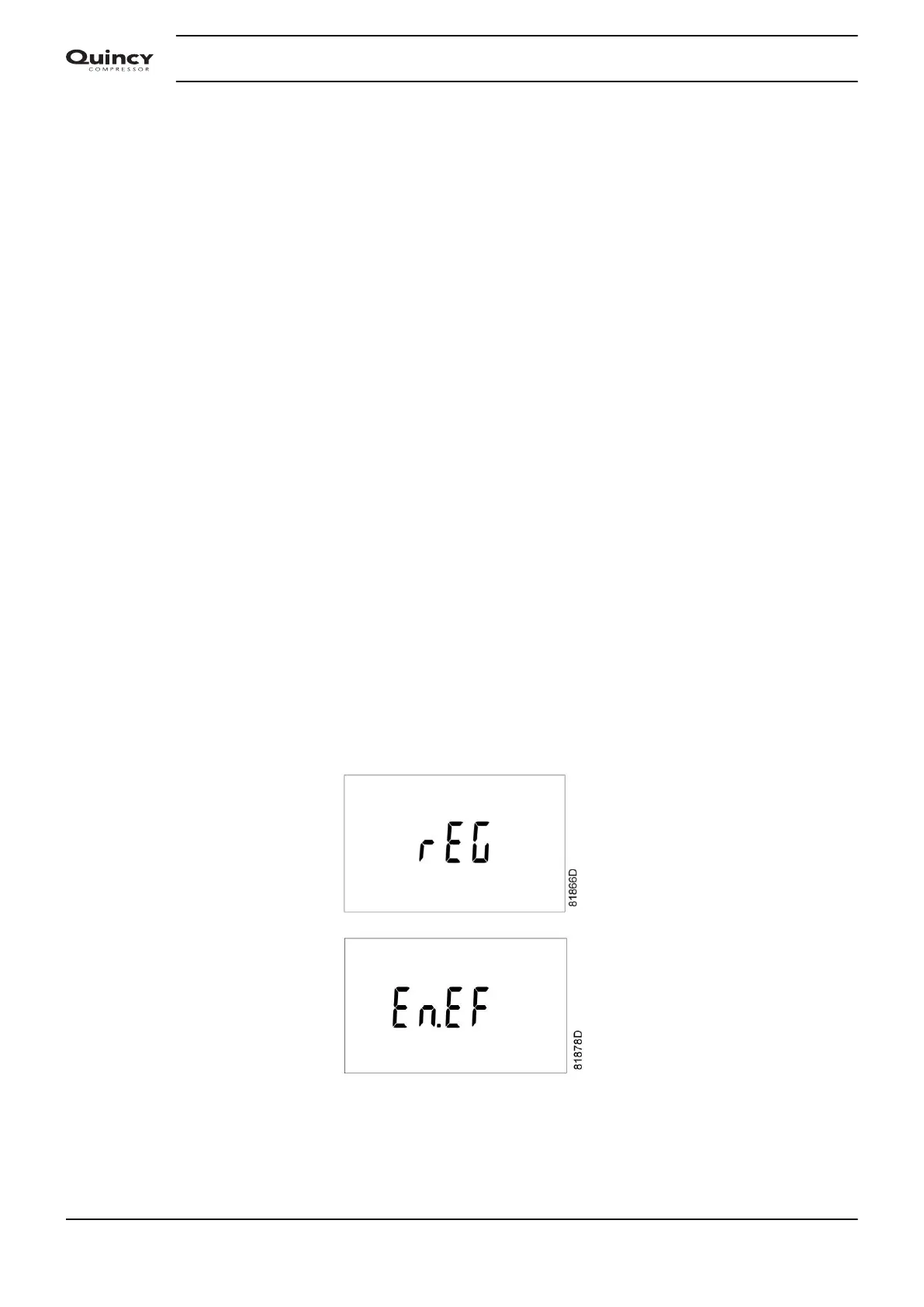
The dryer has two regulation modes:
• Regular mode
The dryer achieves the lowest possible dew point.
• Energy efficient mode
The dryer will regulate the dew point between the best achievable dew point and a safe dew point.
Calling up/modifying dryer regulation mode
Starting from the Main screen, press arrow key (12) until <P. 8> is shown and then press enter key (13): the
actual dryer regulation mode is shown as <rEG> (regular mode) or <En.EF.> (Energy efficient mode)
Press enter key (13) to modify this value (a password may be required), the value starts blinking. Use arrow
keys (12) to modify this setting.
Press enter key (13) to program the new value and to return to the parameter screen.
Press Escape button (14) to return to the parameter screen.
Instruction book
32 2920 7103 90



 To Next Page