Contact Description Value Status
1 No problem
3 Flow switch 0 No flow
1 Air flow
3.8 Calling up running hours
Calling up running hours
Starting from the Main screen, press Scroll button (12) until <d. 1> is shown and then press Enter button (13).
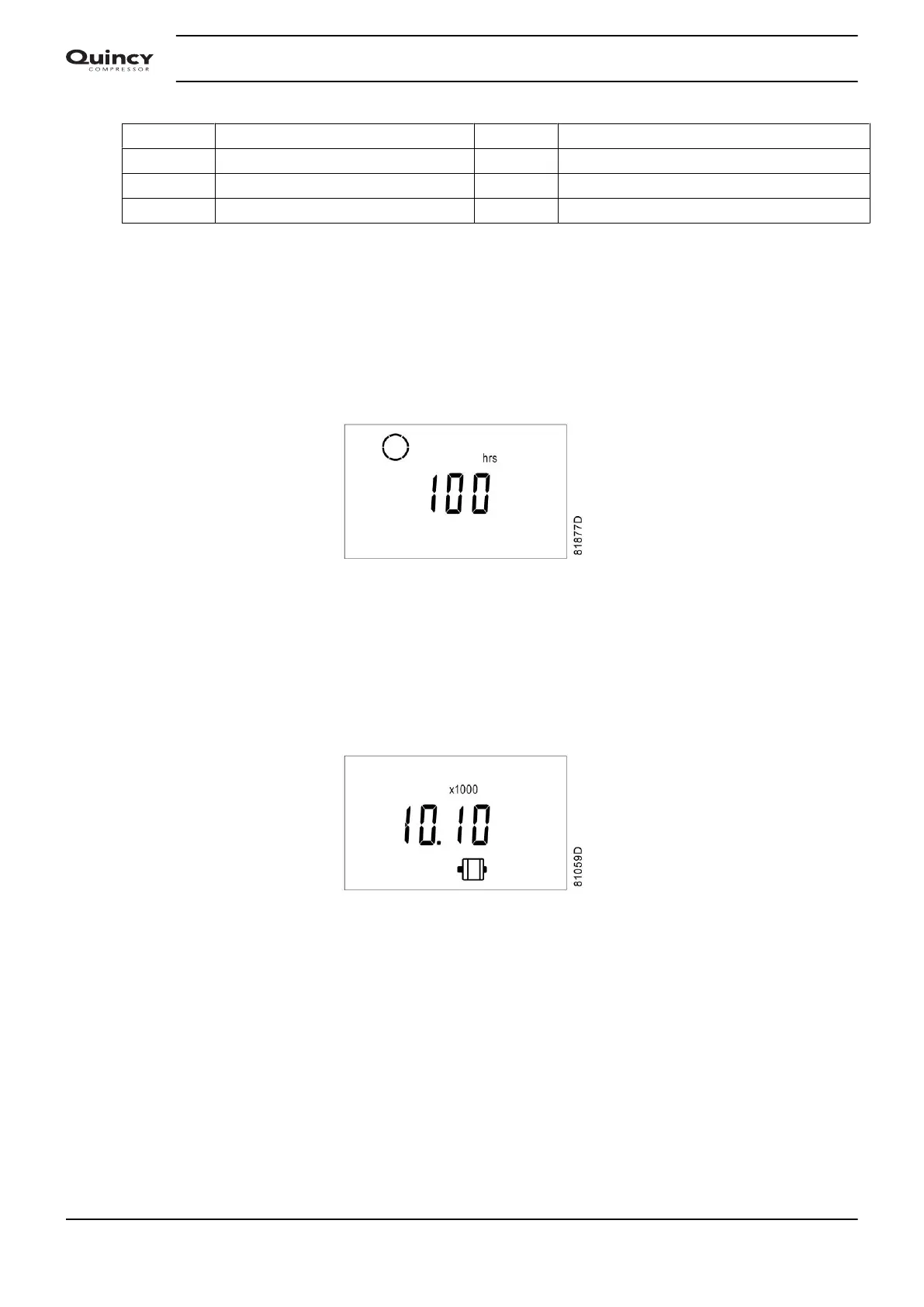
A screen similar to the following appears:
The number of hours is shown in <hrs> (hours) or in <x1000 hrs> (hours x 1000). In above example, the
screen shows the dryer has been running during 100 hours.
3.9 Calling up motor starts
Calling up motor starts
This screen shows the number of motor starts (x 1 or - if <x1000> lights up - x 1000). In the above example,
the number of motor starts is 10100.
3.10 Calling up module hours
Calling up module hours
Starting from the Main screen, press Scroll button (12) until <d. 3> is shown and then press Enter button (13).
A screen similar to the following appears:
Instruction book
24 2920 7103 90



 To Next Page