After modifying the settings, the screen may look as follows:
3.16 Calling up/modifying IP, Gateway and Subnetmask
Calling up
Starting from the Main screen, press the Scroll button (12) until <P. 3> is shown and then press Enter button
(13).
The next screen shows either <OFF> or <On>. If <On>, press the Enter button (13) to modify it to <OFF>.
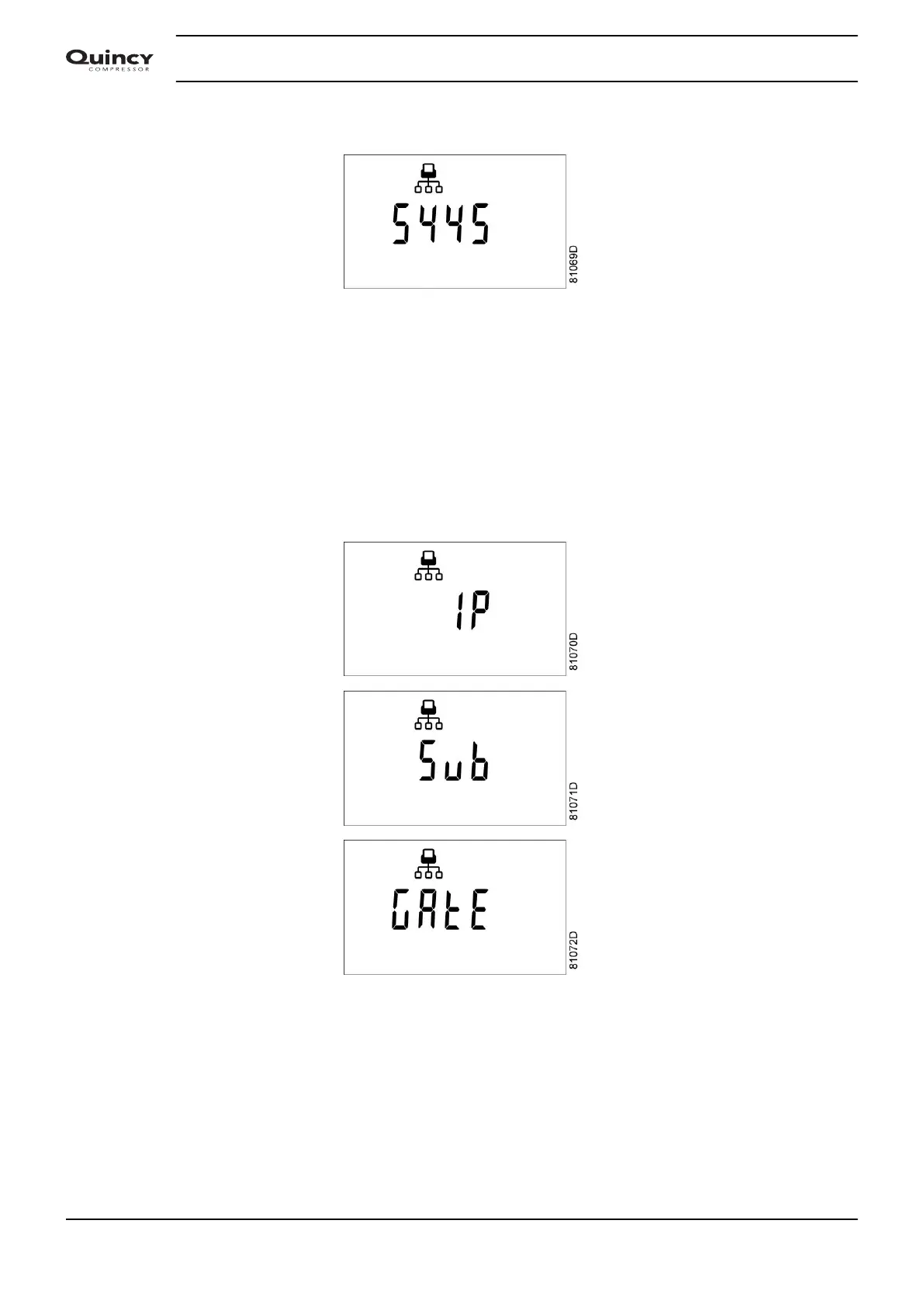
Use the Scroll buttons Up or Down (12) to scroll between the items in this list (<IP> for IP address, <Sub>
for Subnetmask or <GAtE> for Gateway):
Modification
Press the Enter button (13) and if necessary enter the password. The first digits are blinking. Use the Scroll
buttons Up or Down (12) to modify the settings and press Enter (13) to confirm. Modify the next digits the
same way. The standard IP address is set as 192.168.100.100.
Instruction book
30 2920 7103 90



 To Next Page