3.4 Main screen
Main screen
When the voltage is switched on, the first screen is a test screen. The next screen is the main screen, shown
automatically:
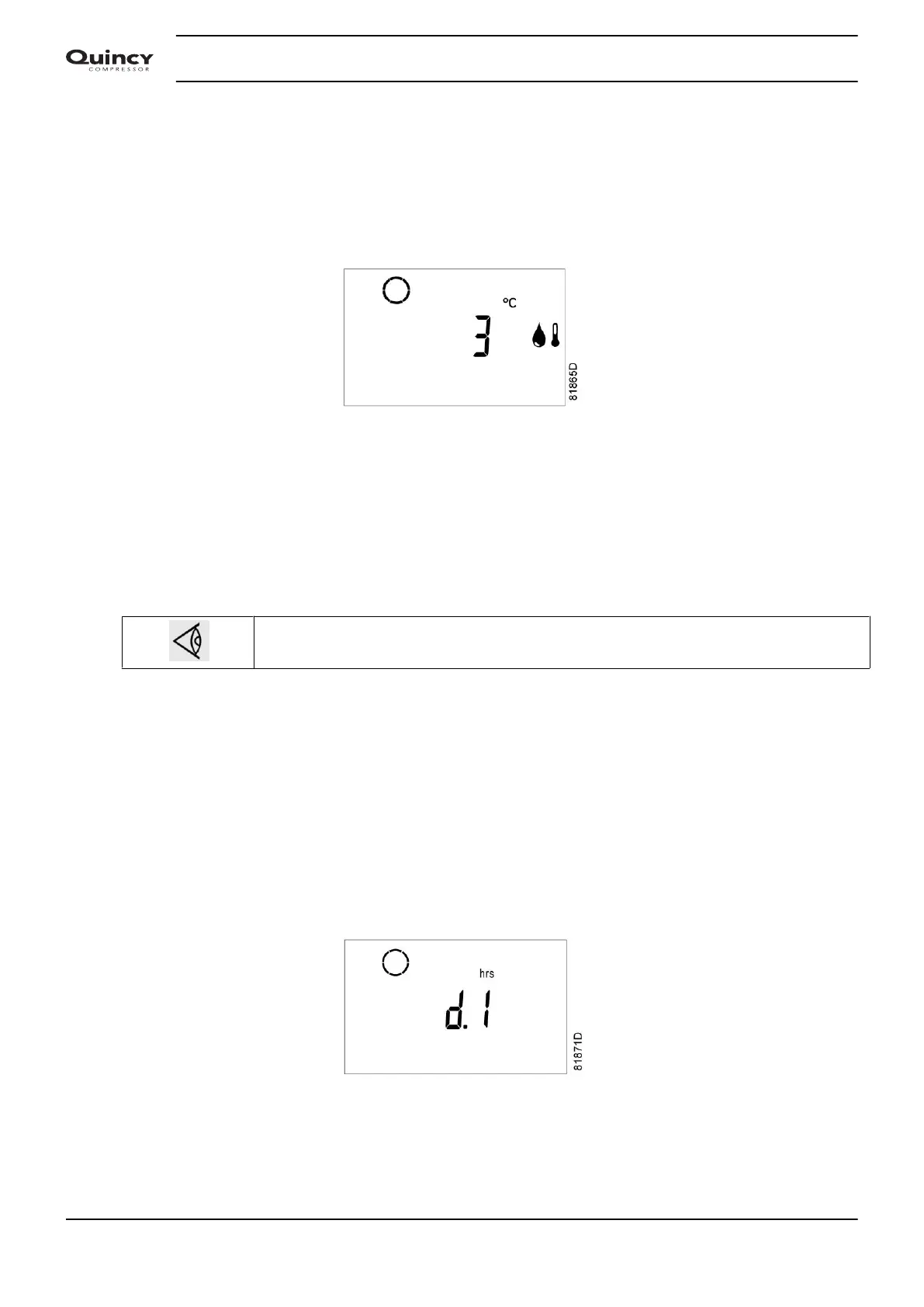
Main screen, basic indications
In above image, the screen shows:
• The dryer status (the icon is rotating when the dryer compressor is running, standing still when stopped).
• The dew point temperature (3 °C/37.4 °F) with the dew point icon.
If certain other options are active, e.g. Energy efficient mode activated (see section Calling up/modifying
dryer regulation mode), the main screen may also display the corresponding icons (see section Icons used).
Just after starting, the timer icon is displayed during a programmed time. After this period,
the timer icon disappears again.
3.5 Scrolling through all screens
Scroll buttons
Scroll buttons (12) can be used to scroll through all screens. The screens are divided into register screens,
measured data screens, digital input screens (numbered as <d. in>, <d. 1>, ...), parameter screens (numbered
as <P. 1>, <P. 2>, ...), protections screens (numbered as <Pr. 1>,...) and test screens (numbered as <t. 1>,...).
During scrolling, the numbers of the screens appear in a consecutive order. For most screens, the unit of
measurement and the related pictograph are shown together with the screen number.
Example (operating hours)
The screen shows the screen number <d. 1>, the unit used <hrs> and the related icon (operation). Press Enter
key (13) to call up the number of operating hours.
Instruction book
20 2920 7103 90



 To Next Page