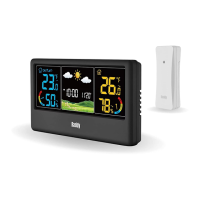
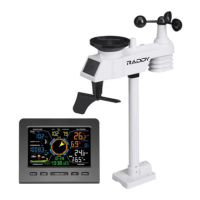
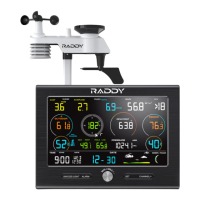
WF-60C WEATHER STATION
3.
Languages Selection
1. LANGUAGE SELECTION
2. KEY TONE ON/OFF
3. AUTO DIM ON/OFF TIME SETTING
4. RCC ON/OFF
5. (RCC-ON → DST-TIME ZONE DEVIATION VALUE SELECTION)
6. CALENDAR YEAR
7. CALENDAR DATE FORMAT (MONTH-DAY or DAY-MONTH)
8. CALENDAR MONTH
9. CALENDAR DATE
10. TIME FORMAT 12/24H
11. CLOCK HOUR
12. CLOCK MINUTE
13. AIR PRESSURE UNIT SELECTION
14. WEATHER PATTERN
The order of setting items is as follows:
Press and hold the【SET】button to enter the Setting Mode. Once in Setting
Mode, the language display will flash and you can use the【+/RCC】and
【-】buttons to select the language. Press the【SET】button to save.
Short press the【SET】button can save the setting and go to the next
setting item. The setting will also be automatically saved and exit if
there is no valid operation within 10 seconds.
10


 To Next Page