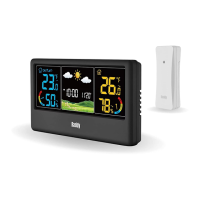
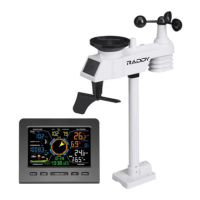
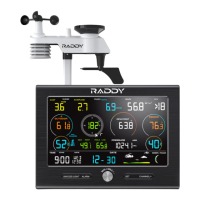
WF-60C WEATHER STATION
Press and hold the【SET】button to enter the Setting Mode.
Short press the【SET】button again to go to the key tone setting. The
option ON or OFF will flash.
Use the【+/RCC】and【-】buttons to select.
Press the【SET】button to save. The setting will also be automatically
saved and exit if there is no valid operation within 10 seconds.
1.
When Using Battery Power: Press【SNOOZE/LIGHT】for once,the
screen lights up for 20 seconds, and then goes back to Dim.
When Using A/C Power: Press【SNOOZE/LIGHT】to adjust the backlight
brightness, BRIGHT-DIM-OFF. It defaults as Bright level.
1.
2.
2.
3.
4.
KEY TONE
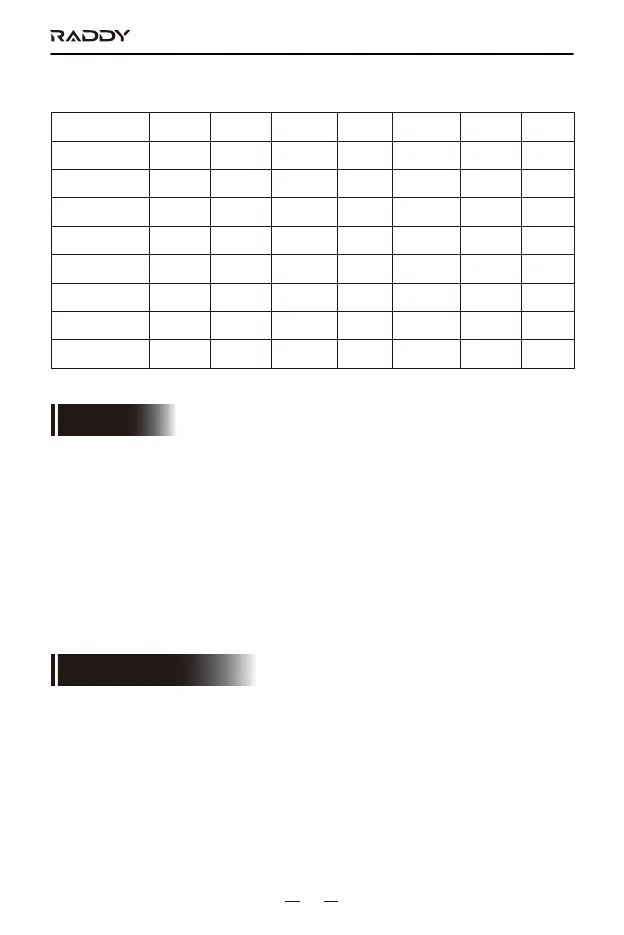
Language selection order: GE→IT→SP→DA→DU→EN→FR
Languages
abbreviation
Sunday
Monday
Tuesday
Wednesday
Thursday
Friday
Saturday
English French German Italian Spanish Danish Dutch
EN
SU
MO
TU
WE
TH
FR
SA
FR
DI
LU
MA
ME
JE
VE
SA
GE
SO
MO
DI
MI
DO
FR
SA
IT
DO
LU
MA
ME
GI
VE
SA
SP
DO
LU
MA
MI
JU
VI
SA
DA
SO
MA
TI
ON
TO
FR
LO
DU
ZO
MA
DI
WO
DO
VR
ZA
The key tone can be enabled/disabled in the setting.
ADJUST BACKLIGHT
11


 To Next Page