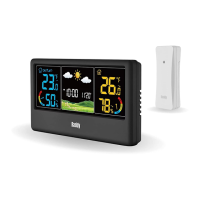
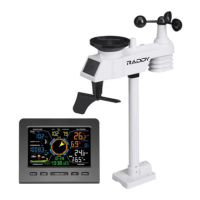
WF-60C WEATHER STATION
Press and hold the【SET】button to enter the Setting Mode, the
language display starts to flash.
Then press the【SET】button 16 times (15 times if the RCC is off) to
enter the Weather Forecast Calibration Mode, the weather symbol
begins to flash.
Use the【+/RCC】and【-】to select the correct weather icon.
Press the【SET】button to save. The unit will also save your setting in
10 seconds and exit the Setting Mode if there’s no valid operation.
Note: The Snowy symbol is not in the setting options. It will show up
automatically when the remote sensor of channel #1 is placed outdoor and
the data predicts that it will snow in the next 12 hours.
Place the main unit in a dry dust-free place. To ensure an accurate indoor
temperature measurement, be sure to place the main unit away from heat
sources or vents.
Weather Forecast Calibration
①
②
③
④
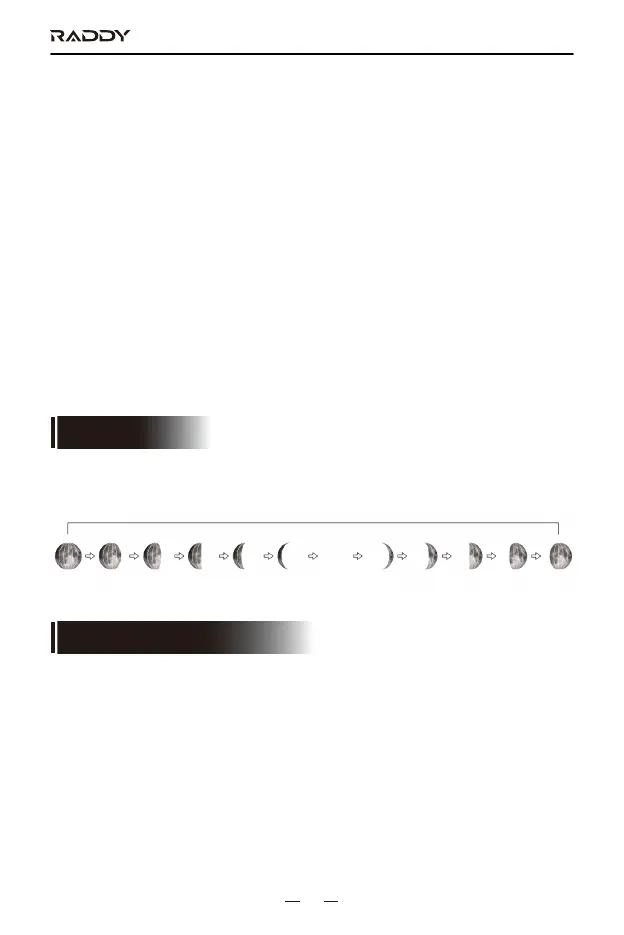
Moon Phase is changed according to Calendar automatically. There are 12
moon phases in loop.
MOON PHASE
Full Moon New Moon
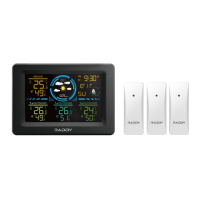
Main Unit
For a more accurate reading and weather forecast, please place the sensor
at a proper place:
1. Avoid exposing to direct rain, sunlight or other heat/cold source.
Outdoor Sensor
PLACEMENT INSTRUCTION
17


 To Next Page