MiniRAE 3000 User’s Guide
47
Note: The default password is 0000.
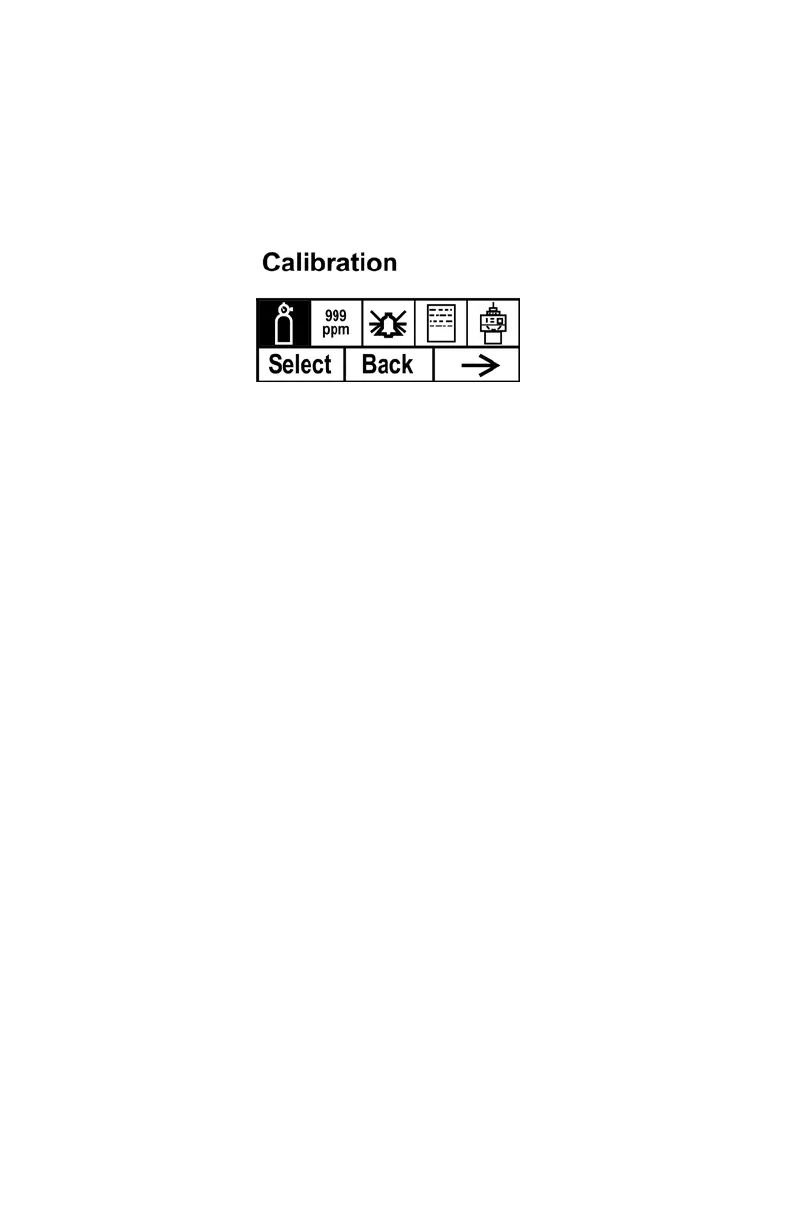
When you have successfully entered Programming Mode, you see this
screen:
Note: The password can only be changed by connecting the instrument
to a PC running ProRAE Studio software. Follow the instructions in
ProRAE Studio to change it.



 To Next Page