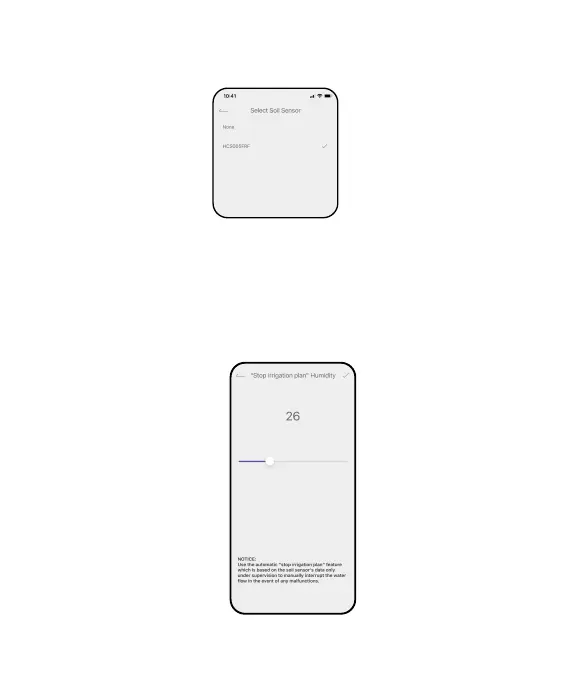
Pair the Soil Sensor: Pair with a soil sensor to display the data on the
home page and activate the "Stop irrigation plan humidity" function.
"Stop irrigation plan humidity": Set a "stop watering" value of the soil
moisture to protect the plants from over watering. All the plans will be
stopped once the soil moisture gets over the valve, and will go back to
work when the moisture return below the value.
- 09 -



 To Next Page