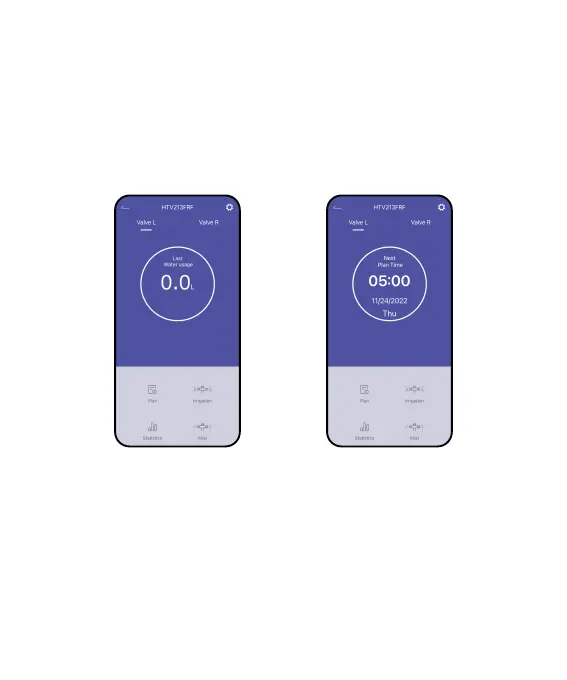
4. Keep the timer and the hub close to each other so they can connect
automatically.
5. Besides that, you can also hold the left button to reset and reconnect if
you fail to connect for the rst time.
6. After successfully connecting, the last water usage value will display in the
middle of the timer’s screen. The next watering plan time will display as well
after creating plans.
- 05 -



 To Next Page