Trying Out the Instrument
R&S
®
RTO2000
44Getting Started 1332.9719.02 ─ 10
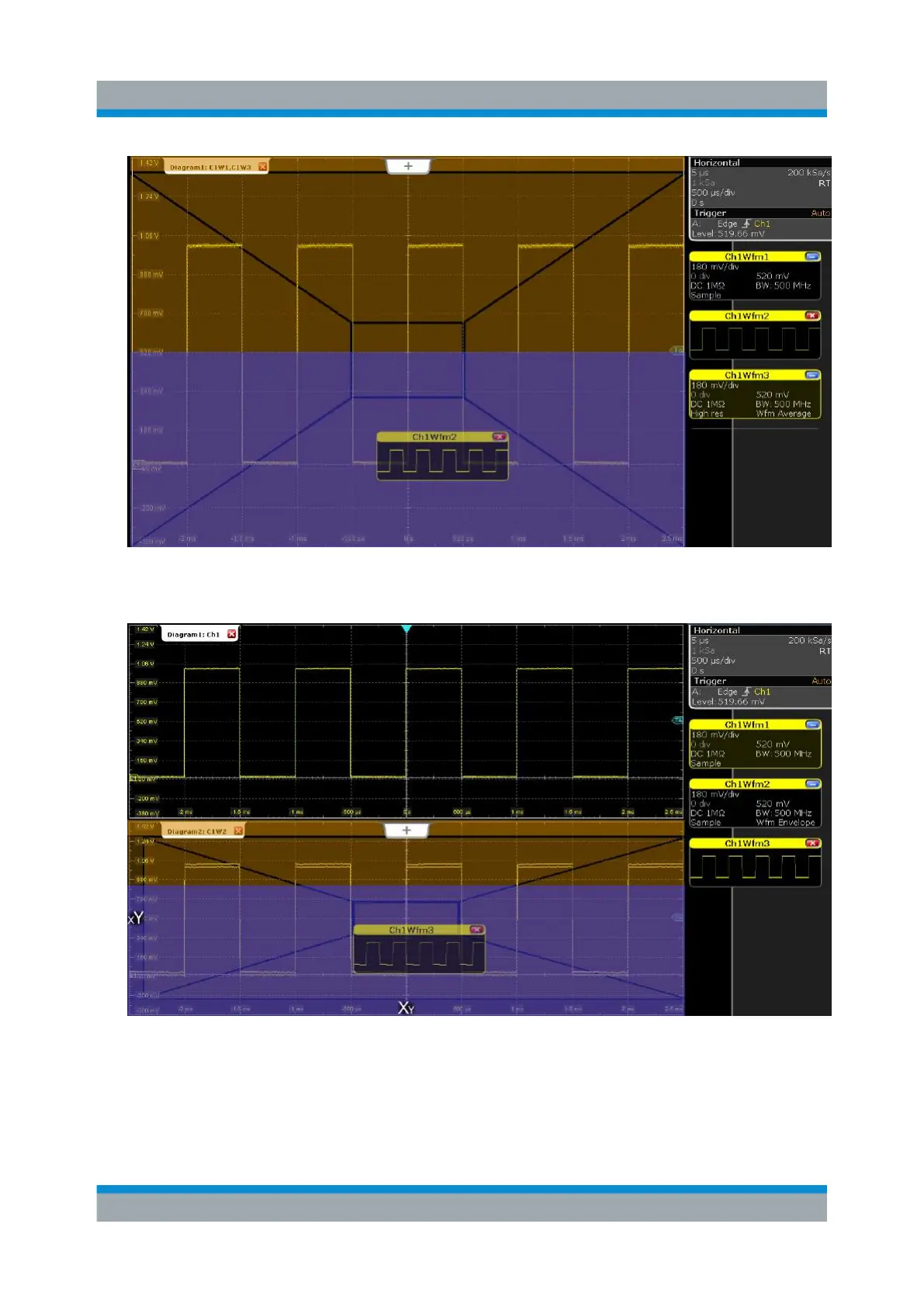
2. Drag the signal icon for "Ch1Wfm3" to the bottom half of the diagram so that it
covers an area beneath "Ch1Wfm2" and drop it there.
The three waveforms are now displayed in separate diagrams.
3. Rename the diagrams so that the label indicates the diagram content:
a) Double-tap the label for "Diagram 1: Ch1".
b) On the on-screen keyboard, enter Original.
c) Tap [OK].
Organizing the Display



 To Next Page