Trying Out the Instrument
R&S
®
RTO2000
71Getting Started 1332.9719.02 ─ 10
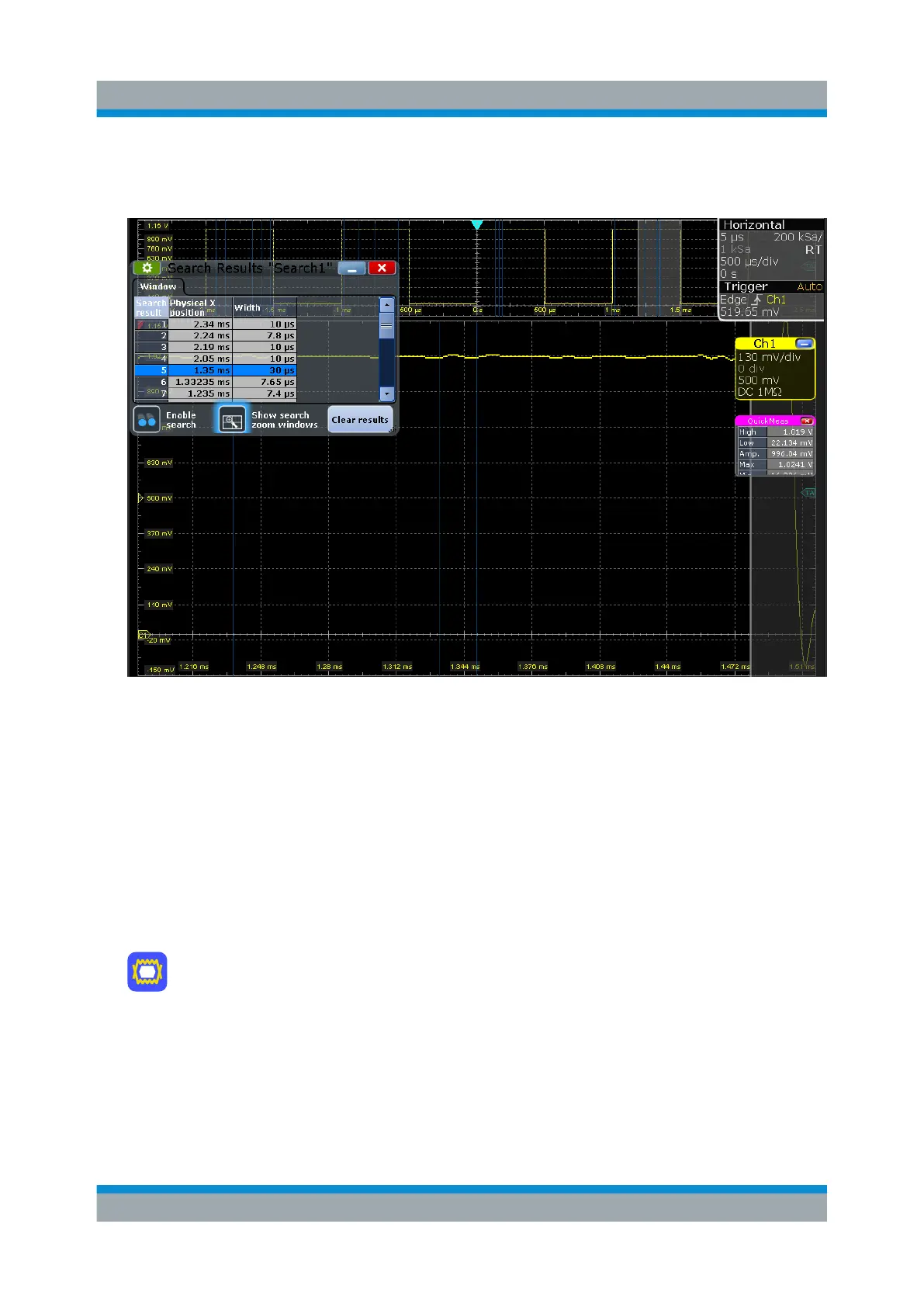
8. In the results table, tap the row of the search result that you want to display in
the search zoom diagram.
6.11 Performing a Mask Test
In the following example, you perform a mask test to determine whether the sig-
nal exceeds a rectangular area.
1. To restore the default signal channel settings, press [Preset] and [Autoset].
2. Tap the "Masks" icon on the toolbar.
3. Tap the corner points of the first mask segment on the touchscreen. Select the
corner points of one complete pulse, with a minor offset to the inside.
Tip: To create an exact rectangle, draw the diagonal of the rectangle on the
screen.
4. Tap "Finish segment" in the sidebar.
Performing a Mask Test



 To Next Page