Trying Out the Instrument
R&S
®
RTO2000
73Getting Started 1332.9719.02 ─ 10
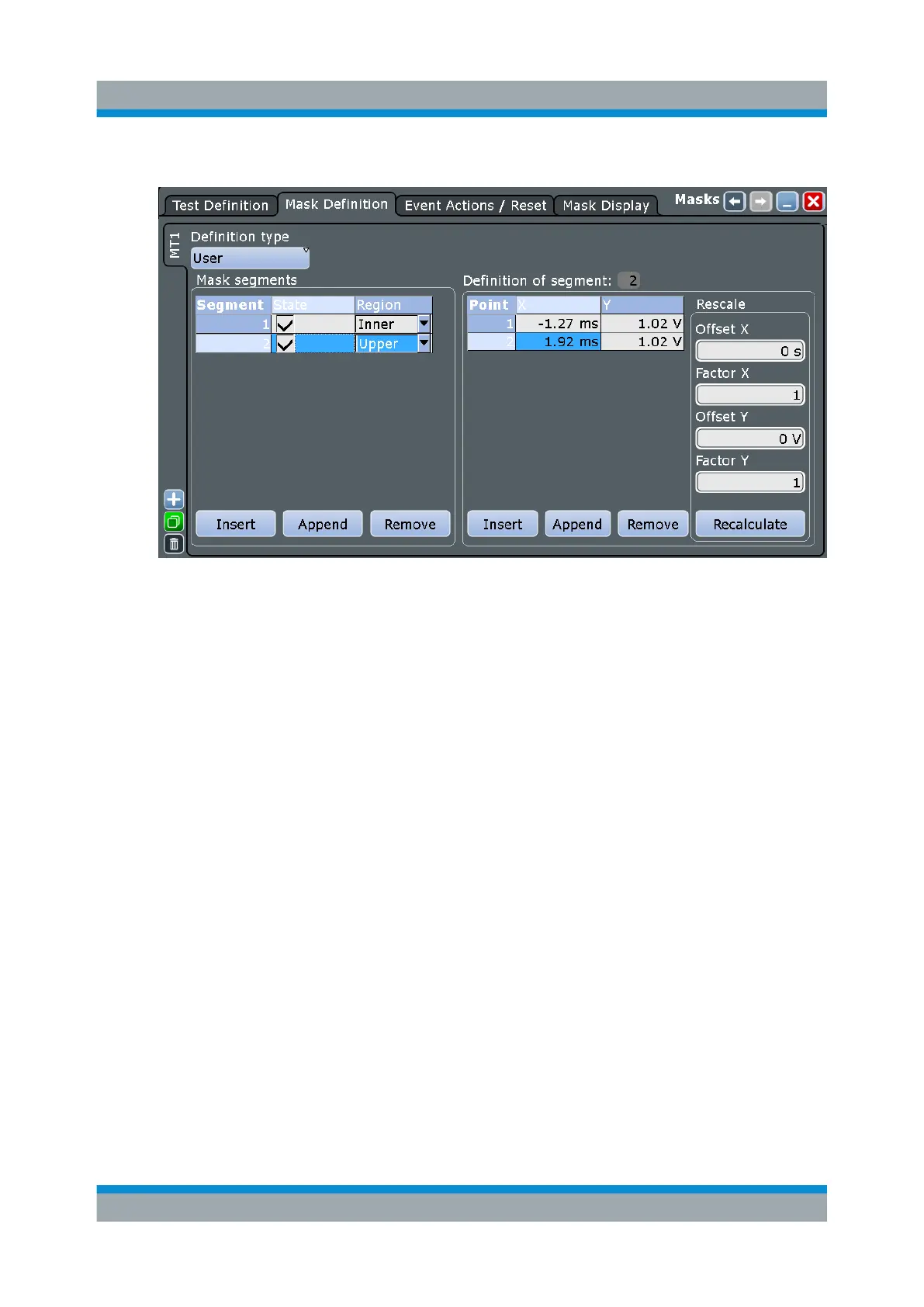
f) In the "Region" column of the second mask segment, select "Upper".
6. Select the "Test Definition" tab.
7. Select channel 1 as the "Source".
8. Define the number of tolerable sample hits in the "Violation tolerance" field.
A test has failed if the number of sample hits exceeds the limit of "Violation
tolerance".
9. Select the "Event Action / Reset" tab.
10. For the "Stop acquisition" action, select "On violation".
When the violation tolerance is exceeded, the acquisition stops. The results of
the mask test are shown in the "MaskTest" results box. Mask hits are also indi-
cated as red points in the mask segment in the diagram.
Performing a Mask Test



 To Next Page