Trying Out the Instrument
R&S
®
RTO2000
75Getting Started 1332.9719.02 ─ 10
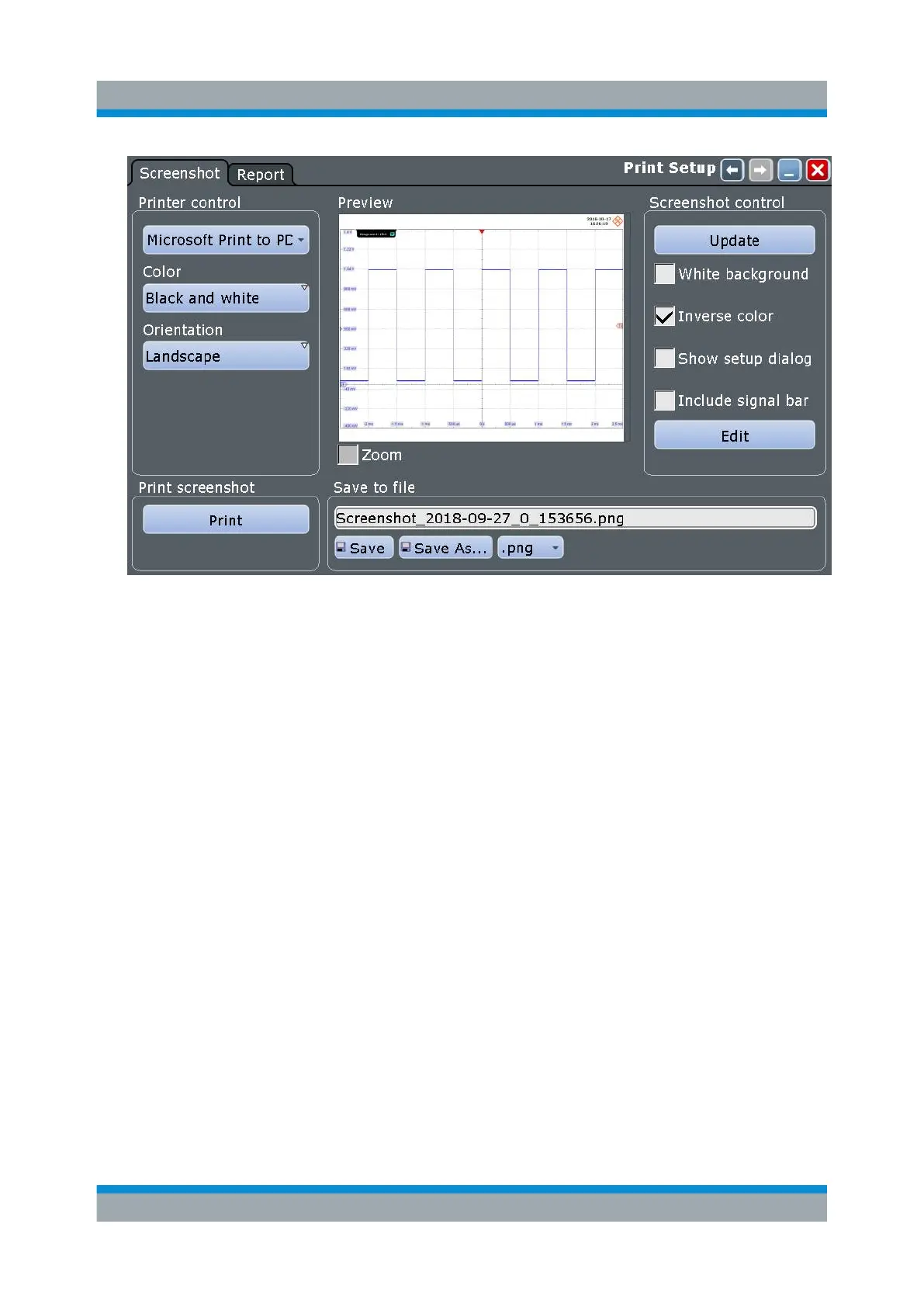
5. Tap the upper left button and select the printer.
6. Tap "Print". The result is a monochrome image.
7. Close the dialog box.
To configure the Camera key
1. Open the "File" menu and tap "Frontpanel Setup".
2. Select the "Hardkeys" tab.
3. Select "Save screenshot".
Printing and Saving Screenshots


 To Next Page