Scannersetup
ScanCenterNGlaunch
Run RangeVision ScanCenter NG.
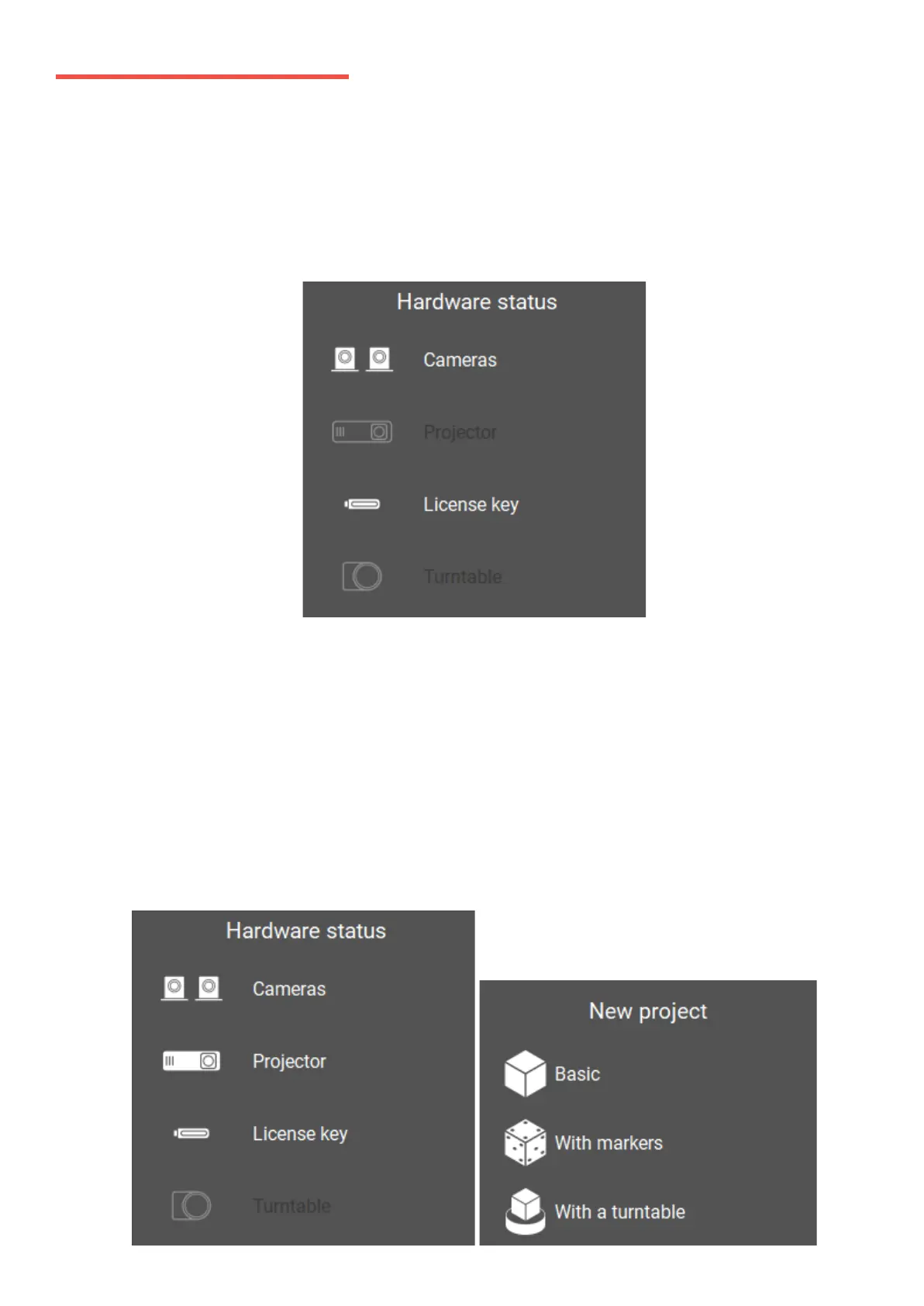
If the scanner is not connected or drivers aren't installed, an indication will appear on the
Start Screen, as shown below:
Check the connection of cables, power supply, and then click Update. If you are sure that
all the components of the scanner are connected correctly and the connection error
persists, manually select hardware in Hardware settings. If necessary, contact the
technical support of your reseller. If the scanner is not connected intentionally and none
of the components can be found, only the processing functions of ScanCenter NG will be
available.
In the case if all the settings are correct, after starting the program, you should see the
image from the cameras in the main application window.


 To Next Page