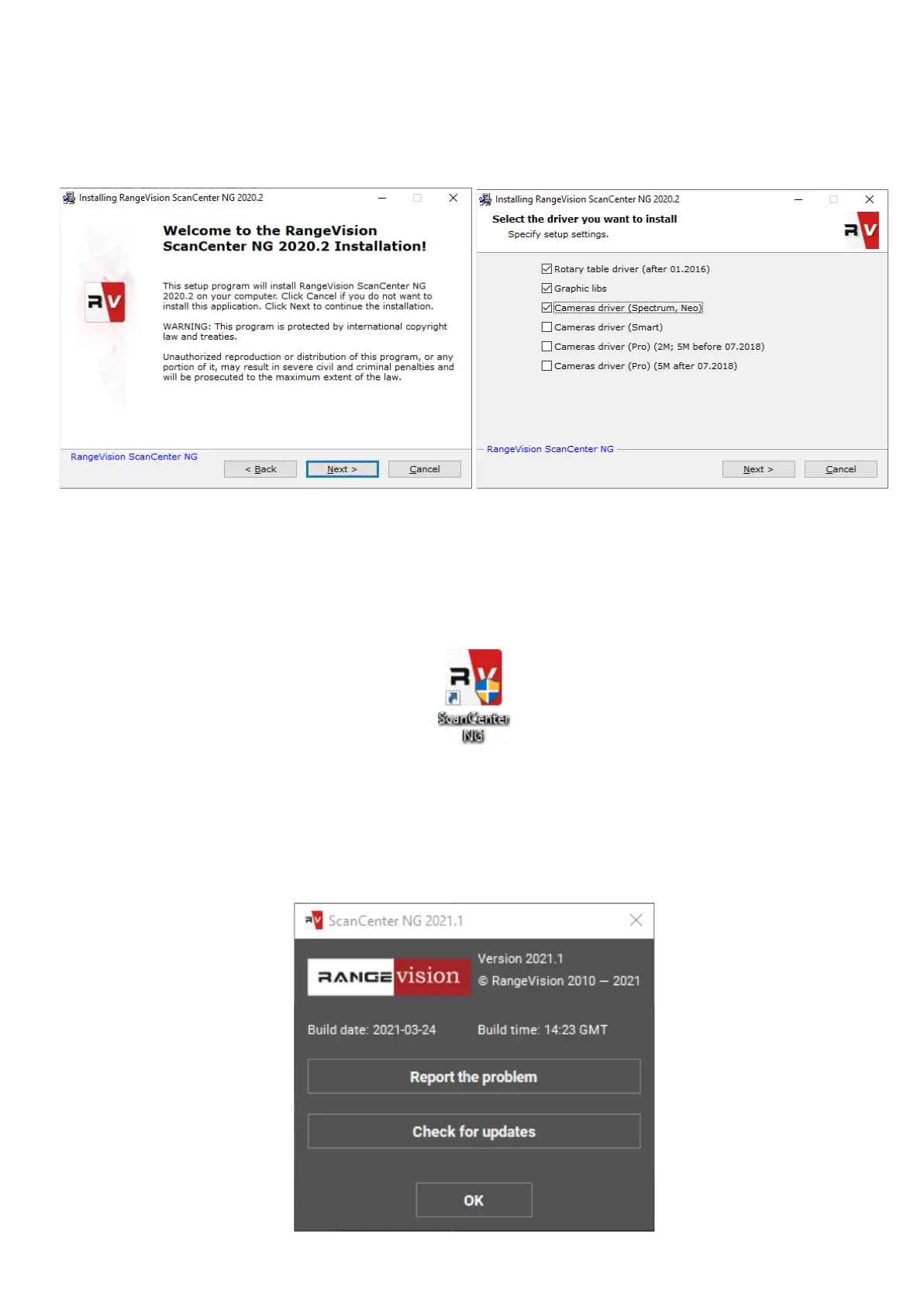
Installingsoftwareanddrivers
Get the RаngeVisiоn software (equipped with the scanner) and run the installer -
RаngeVisiоn SсаnCenter setup.
Followingtheprompts,selectthedesiredlanguage,typeandpathforinstallation.
Afterthefileshavebeencopiedinstalldriversandgraphicslibraries,necessaryfor
thecorrectoperationofRangeVision3Dscanner.
If you have access to the Internet RangeVision ScanCenter NG will automatically notify
you when updates are available. You can check for updates manually by clicking
About → Check for Updates.


 To Next Page