CHAPTER 5
40 AutoBoom XRT Calibration & Operation Manual
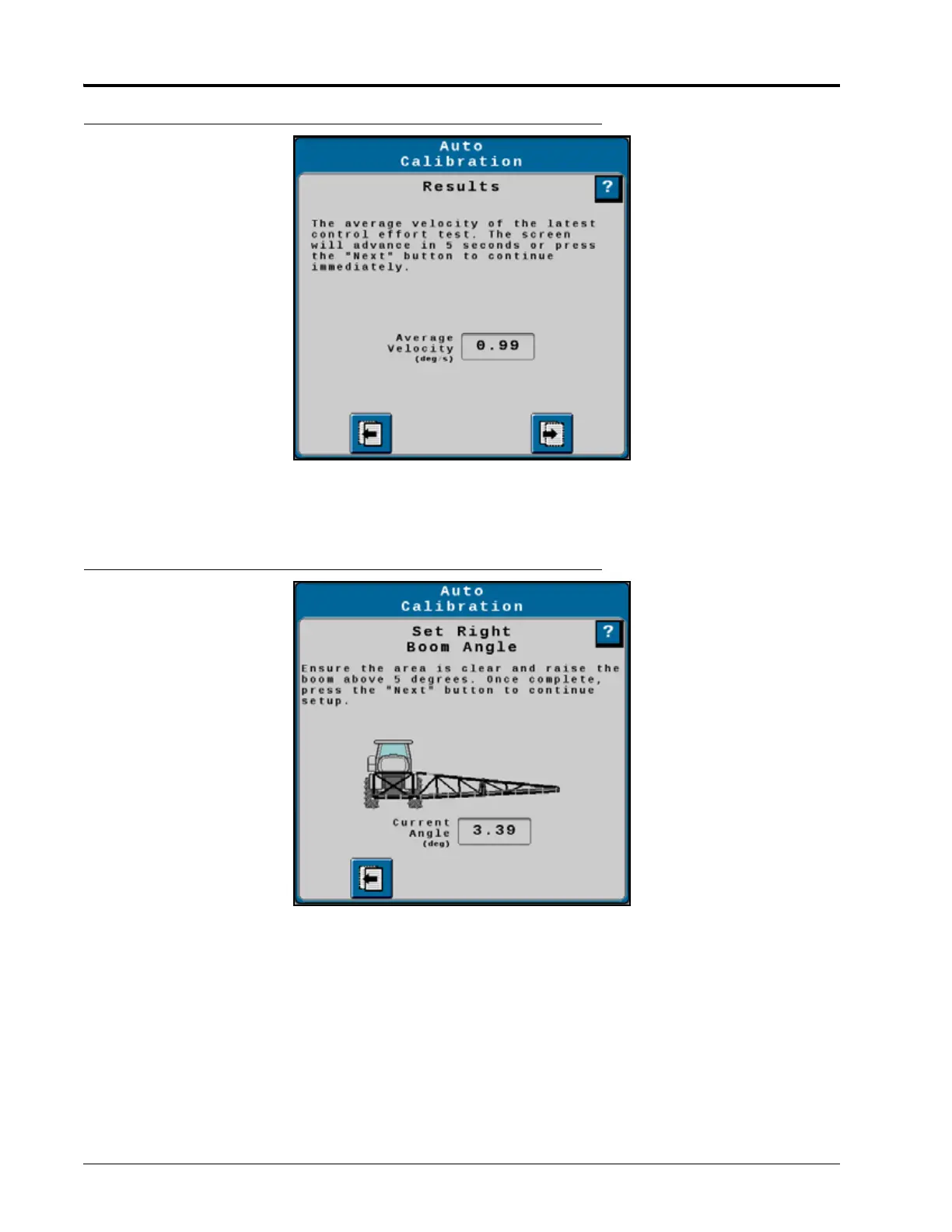
FIGURE 30. Auto Calibration - Results
7. Repeat step 5 and step 6 four more times. Each test will result in a higher boom velocity.
8. Raise the boom to 5° above horizontal. Touch the Next button to continue, the boom will lower slowly.
FIGURE 31. Auto Calibration - Right Boom Angle
9. An average speed will be displayed. After 5 seconds the boom will return to 5° above horizontal. Touch the
Next arrow to bypass the 5 second pause.
10. Repeat step 8 and step 9 four more times. Each test will result in a higher boom velocity.
11. Repeat step 5 through step 10 for the left boom.
12. At the completion of calibration, a calibration summary page will be displayed. Press the check button to
accept the new values or the X button to exit the calibration process without saving the new values.




 To Next Page