43
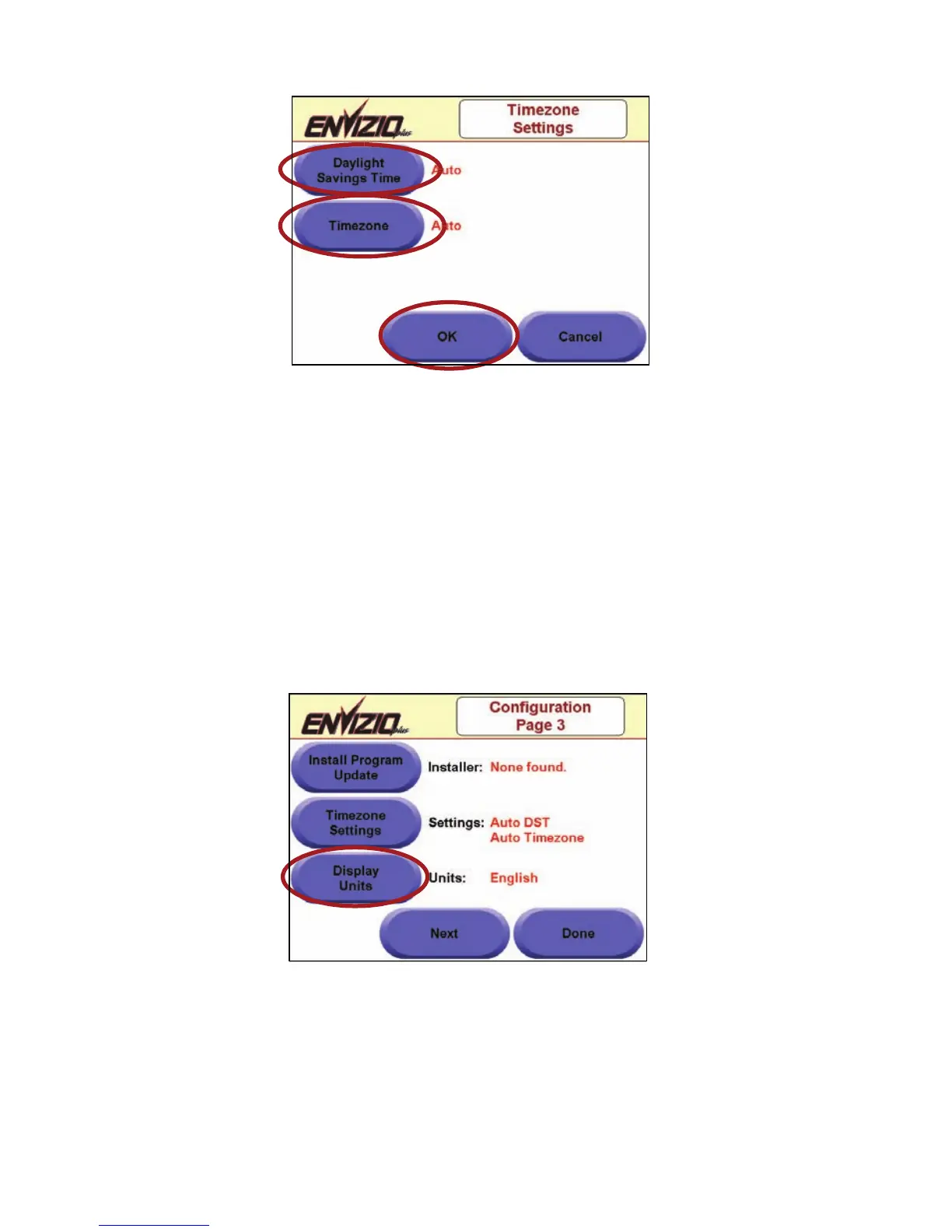
two choices for each. Touch OK when you are finished with these
settings.
4. Touch Done when you are finished with this setup.
Display Units
This function allows you to set the units in which the measurements display
for the Envizio Plus system. Your choices are ‘English’ or ‘Metric’. This
button is a toggle button that will switch between the two settings.
1. From the ‘Configuration Page 1’ screen, touch the ‘Next’
button. From the ‘Configuration Page 2’ screen, touch the ‘Next’
button. The ‘Configuration Page 3’ screen displays.
2. Touch the ‘Display Units’ button until the desired unit of measurement
displays, either English or Metric.
3. Touch Done when you are finished with this setup.



 To Next Page