7
Icon Name Description
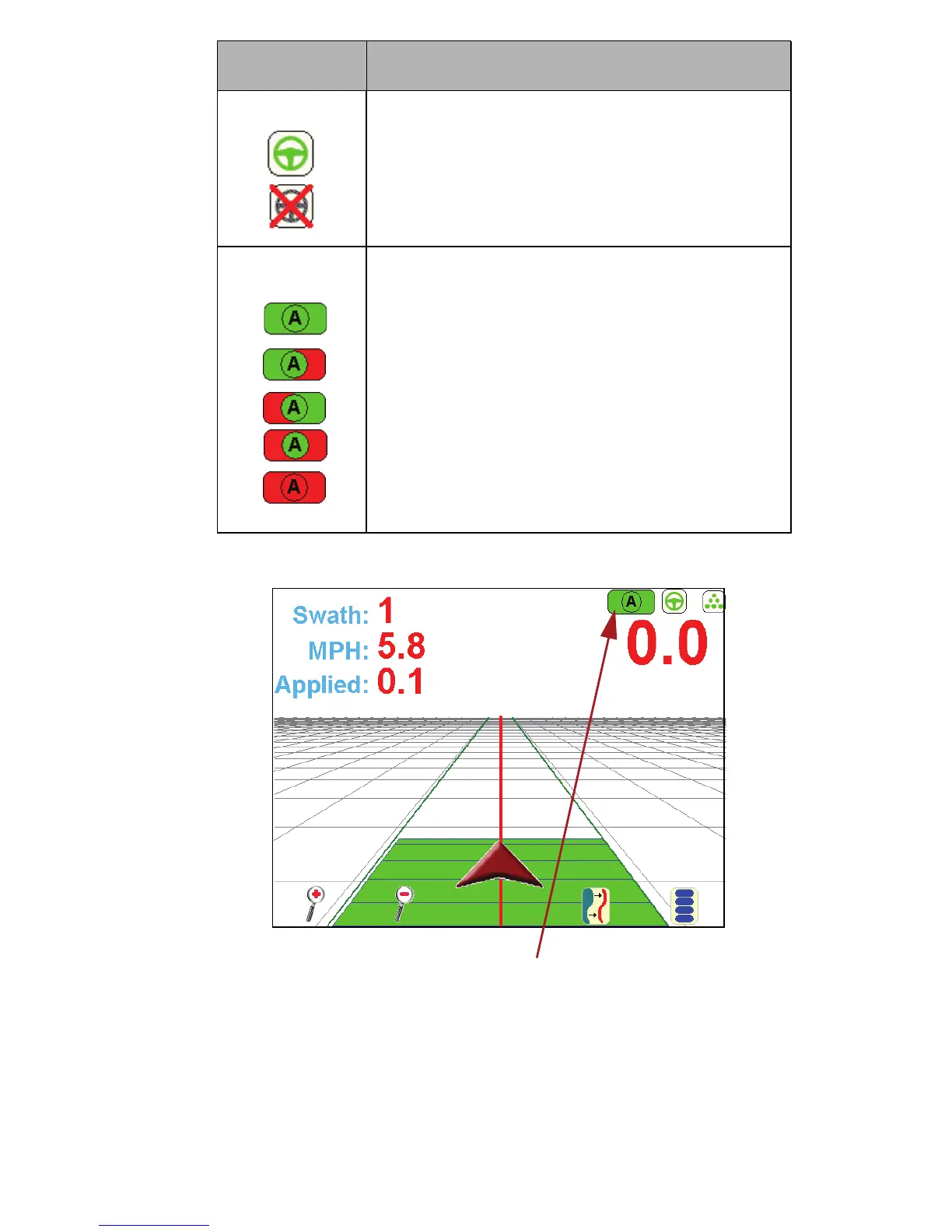
SmarTrax Icon: This icon shows the status of
the SmarTrax system, with green being system
‘On’ and the red X being system ‘Off’.
Autoboom Icons:
Autoboom is on and both booms are on.
Autoboom is on, the left boom is on, the right
boom is off.
Autoboom is on, the left boom is off, the right
boom is on.
Autoboom is on, but both booms are off.
Autoboom is off and both booms are off.
Touch the Autoboom icon to display
the Autoboom Configuration page



 To Next Page